Roundup
Best AI Agent Tools for Startups: Pick by Bottleneck
By the Space Office team · Published · Updated · 5 min read
The best AI agent tool for a startup depends on the job, existing tools, budget, and person who will review the result. Start with one bottleneck and a small pilot. ChatGPT, Cursor, Gumloop, n8n, Make, Lindy, and Space Office offer different workflow models; this shortlist helps you decide which model to evaluate without assuming a universal winner.

A shortlist by startup use case
Scroll horizontally to view all columns.
| Tool | Model to evaluate | A useful pilot |
|---|---|---|
| ChatGPT | Project-based work with shared files and instructions | Prepare a decision brief from your own source documents |
| Cursor Agent | Coding agent that reads and edits a repository and runs terminal commands | Fix one reproducible bug in a test branch, run the project checks, and review the diff |
| Gumloop | Agents and workflows with company context | Turn approved inputs into an internal research update |
| n8n | Workflow automation with cloud and self-hosted options | Move a test record between approved tools with a failure alert |
| Make | Visual automation | Build a repeatable app-to-app process with explicit approval |
| Lindy | A workspace teammate | Test one recurring internal work request with its required context |
| Space Office | Hydrogen coordinating chosen specialist roles | Produce a linked SEO brief and copy draft for one landing page |
If the shortlist points you toward automation or company-context agents, review Gumloop alternatives by cost and workflow for entry plans, usage allowances, and the costs to include in your pilot budget.

For an engineering bottleneck: Cursor Agent
Cursor’s documented tools can search a codebase, edit files, and run terminal commands. Start with an existing repository, a working development environment, and a reproducible issue. Ask for the smallest patch and the relevant checks, then have the repository owner review the diff before merging or deploying. This fits code maintenance and product development; it does not replace the person responsible for architecture or release decisions.
The official Cursor pricing page, checked September 20, 2026, lists a free Hobby plan with limited Agent requests and an individual Pro starting price of $20/month. Included model usage is limited and on-demand usage can add charges. Confirm the selected billing term, model allowance, and team requirements before buying. This is a documented option for a coding pilot, not a comparative performance test.
Choose the operating model before the tool
If the problem is moving structured data between apps, test a workflow platform. If the problem is organizing research and drafts, test a project-based assistant. If the problem spans specialist deliverables, test the handoffs and review in a coordinated team workflow. Categories overlap, so the pilot should determine whether the specific product works for you. Compare Space Office and ChatGPT workflows for project work, or review AI agent builders by setup type if you want to build and maintain the agents yourself.
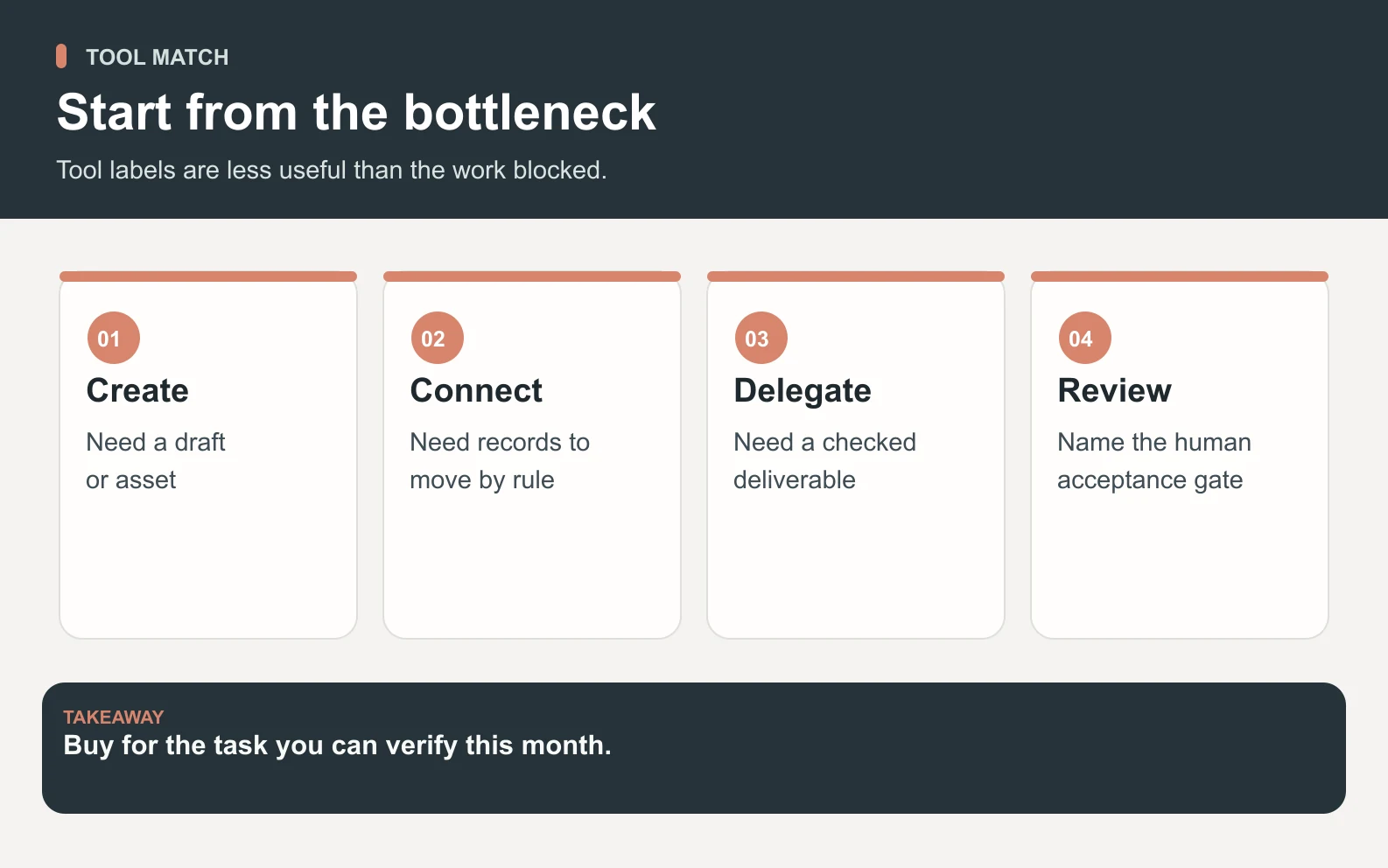
Swipe to explore the diagram
Name the person who will own the workflow after setup. That person needs to know how to update source material, respond to failures, revoke access, and judge an acceptable result. A startup without spare engineering time may value different tradeoffs from one deliberately building its own automation stack.
A pilot scorecard you can reuse
Scroll horizontally to view all columns.
| Record | How to evaluate it |
|---|---|
| Accepted output | Compare with an acceptance checklist written before the test |
| Source fidelity | Trace factual claims back to supplied or cited evidence |
| Setup and maintenance | Record actual time spent connecting tools and resolving failures |
| Review burden | Count corrections and time until a human can approve |
| Cost | Include subscription, usage, infrastructure, and required roles or seats |
| Control | Verify permission boundaries, stopping rules, and rollback |
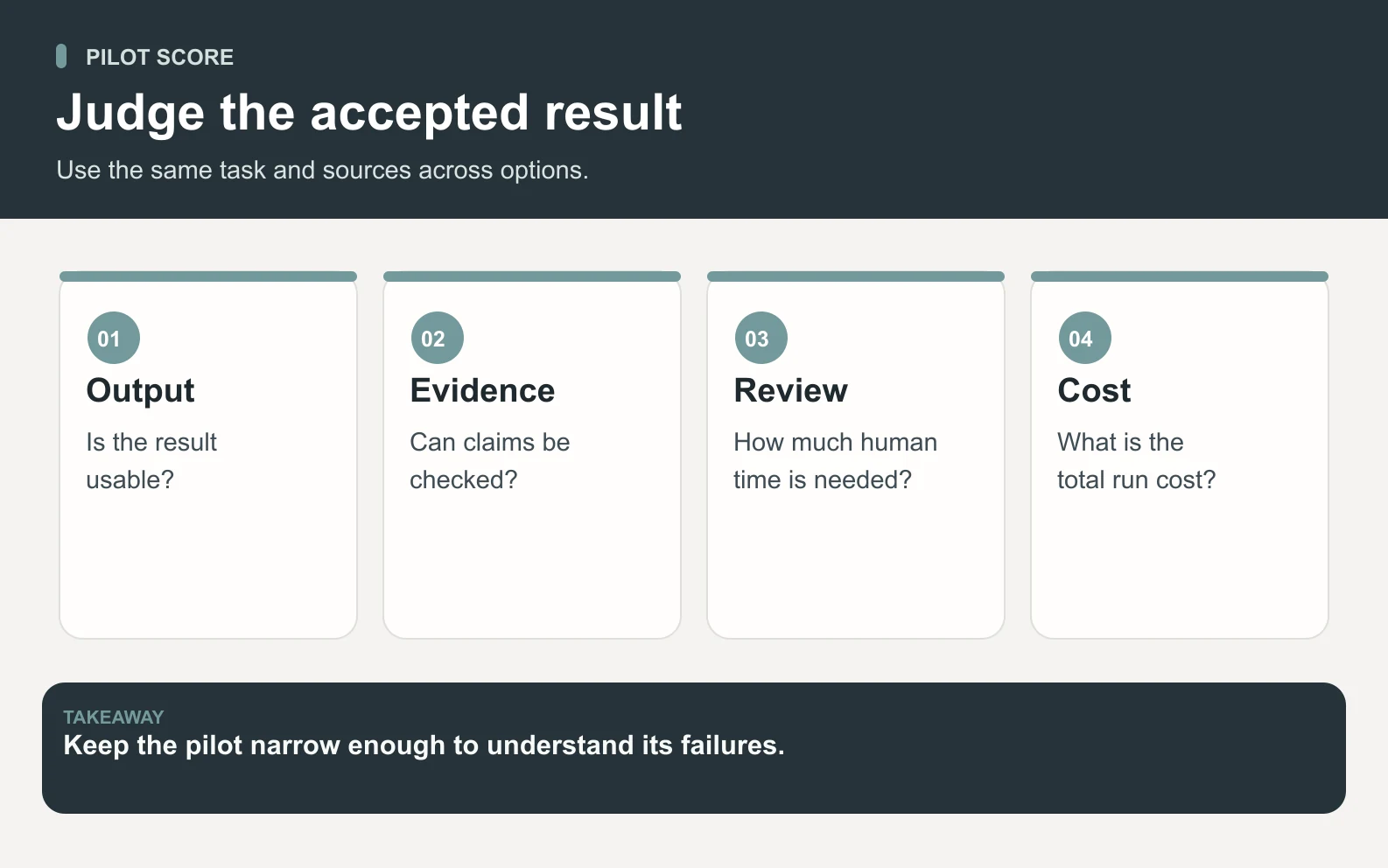
Swipe to explore the diagram
Keep the first test small enough to understand
- 1Pick one recurring task with a clear input and deliverable.
- 2Use representative data you are allowed to provide.
- 3Document what the system may read, draft, and execute.
- 4Include missing information and one failure case.
- 5Repeat the pilot before assigning recurring production work.
For example, ask for a landing-page refresh from verified product facts and a page-filtered Search Console export. Accept the work only if the proposed search intent is supported by the data, the copy preserves the offer, and unresolved questions are visible. This is an illustrative brief, not evidence that a particular tool will improve traffic.

Understand Space Office’s place in the shortlist
Space Office costs $60/month or $600/year for Hydrogen and two chosen specialists. Each additional specialist costs $25/month or $250/year. Dedicated AWS compute starts at an estimated $30/month; your AI provider bills model usage separately through your own key, with no Space Office markup. The full live roster has 24 specialists plus Hydrogen; the base subscription does not include every specialist.
Neon and Nitrogen can handle the SEO-and-copy example within the two included slots, coordinated by Hydrogen. Using the light compute estimate gives $90/month before model usage. Implementation or interface design may require your own team or an additional live specialist. Check the roster and pricing against the actual brief.
Avoid an unnecessary migration
Keep a working tool if it meets the need. A different interface, more named agents, or a longer answer is not by itself a reason to rebuild a process. Change tools when a pilot demonstrates a useful improvement in the task you care about, or when a required constraint cannot be met with the current setup.
Sources and review notes
This comparison is published by Space Office, one of the products discussed. It uses the official documentation linked below and our published product terms. We did not run a comparative benchmark. Suitability recommendations are editorial judgment; prices, allowances, and features can change.
- Cursor Agent tools and coding workflow — checked
- Cursor plans and model usage — checked
- OpenAI projects — checked
- Gumloop product and pricing — checked
- n8n plans — checked
- Make plans — checked
- Lindy plans — checked
Frequently asked questions
What is the best AI agent for a startup?
There is no universal best choice. Select a workflow model for a specific task, then test accepted output, integrations, control, and complete cost.
Should a startup buy several agent tools at once?
Start with a bounded need and a pilot. Add tools only when they solve a requirement the current workflow cannot meet; otherwise the coordination burden can grow without a demonstrated benefit.