Guide
SaaS: Meaning, Examples, Costs, and a Practical Buyer Pilot
Evaluate SaaS by the workflow it supports, the work your team still owns, and the evidence a small pilot can produce.
By the Space Office team · Published · Updated · 18 min read
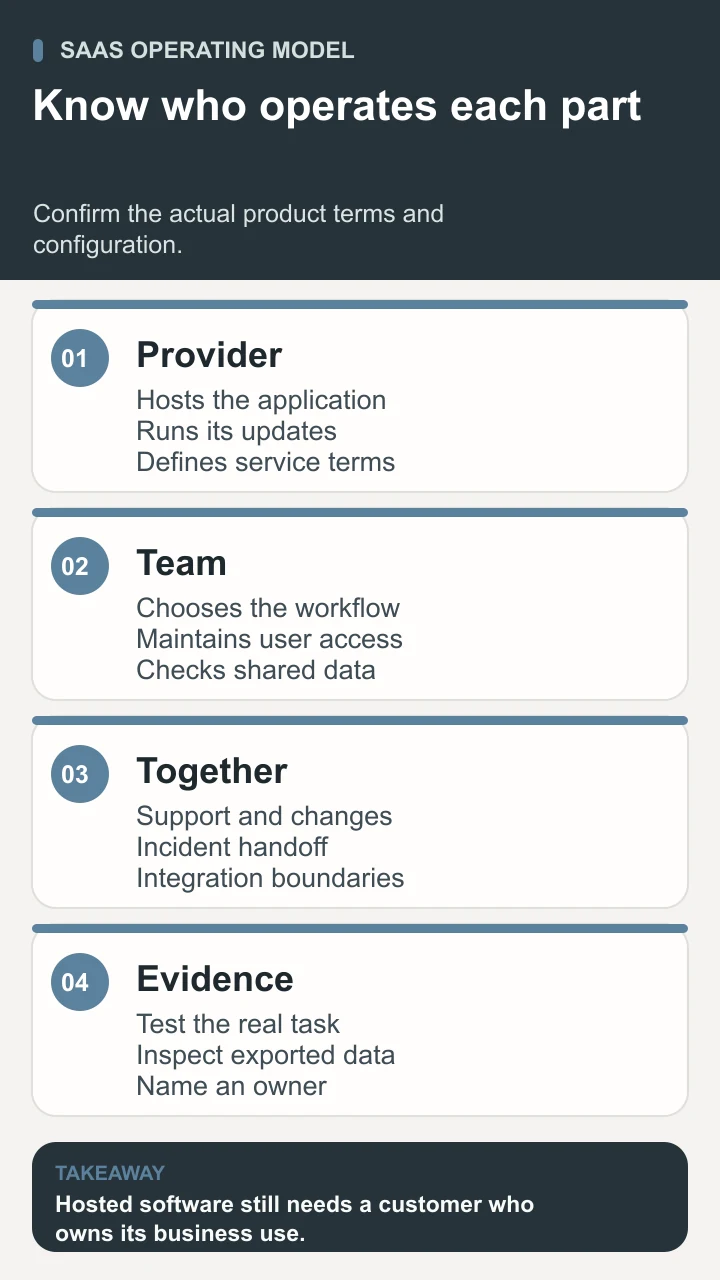
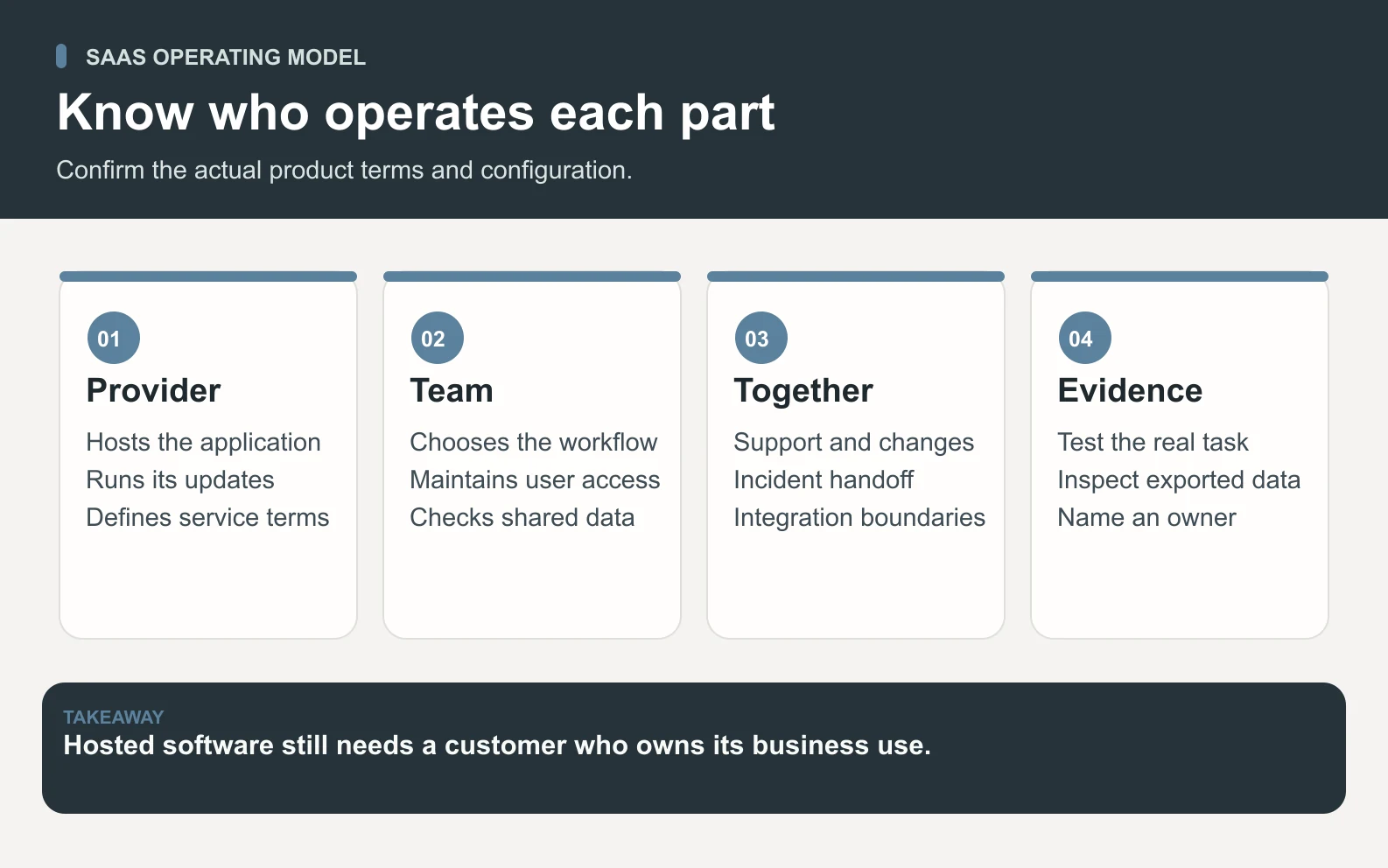
SaaS means software as a service. A provider hosts and operates an application, and customers access it over a network, commonly through a browser. Subscription or usage-based billing is typical. Your team still chooses users, data, configuration, and the workflow. This guide follows a fictional studio evaluating a project tool. Sodium can research the options, Carbon can check approved pilot cases, and Hydrogen reviews the evidence in Space Office before a human owner chooses the product.

Key takeaways
- Check who operates the application, rather than classifying a product by its monthly bill alone.
- Keep provider operations and customer decisions about access, data, and workflow explicit.
- Compare licenses and usage alongside setup, administration, and required exit work.
- Use approved sample records to test ordinary work and important exceptions.
- Inspect exported content and relationships; a file count alone does not establish a usable exit.
What SaaS means and how it works
Software as a service describes how an application is delivered and operated. The provider hosts the application, maintains its service, and makes it available over a network. Customers commonly use a browser or a connected client. Web-based email and shared project applications are familiar examples of the model. Microsoft Azure’s SaaS introduction explains this separation between using an application and maintaining its underlying infrastructure.
Subscription and usage-based pricing are common, but the bill alone does not define the model. Paying monthly for a locally operated program does not necessarily make it hosted software. Ask which application the provider runs and which parts the customer must operate. AWS’s SaaS overview describes on-demand application access and common payment arrangements. Check the actual service boundary rather than relying on a product’s marketing label.
For the fictional six-person design studio in this guide, the task is organizing client project approvals. Staff need a shared job list, controlled guest access, attached files, and an export they can inspect. A hosted project application may provide these functions without the studio operating an application server. The studio still needs someone to decide which information belongs there and how staff use it.
SaaS differs from the broader cloud hosting choices explained in our cloud computing guide. With infrastructure as a service, a team typically operates more of the system above the rented infrastructure. With a platform service, developers deploy their own applications onto a managed environment. With a ready-made hosted application, the customer mainly configures and uses the product. A real solution can combine several models.
Separate provider operations from customer ownership
Scroll horizontally to view all columns.
| Area | Provider-side work to confirm | Customer-side work to own |
|---|---|---|
| Application operation | Hosting, maintenance, releases, and the service’s stated support. | Choose a suitable workflow and train the people using it. |
| Accounts and access | Available identity, role, sharing, and administrative controls. | Assign roles, review guests, and remove access when someone leaves. |
| Business data | Storage, available retention controls, export, and recovery features. | Decide what to upload, maintain records, and inspect recovery needs. |
| Connections | Documented integration capabilities, limits, and failure behavior. | Authorize the required operations and monitor the business outcome. |
| Changes and exit | Plan changes, notices, cancellation and export terms. | Review impact, keep an owner, and rehearse the needed exit path. |
A provider-operated application still leaves important customer decisions. Microsoft’s shared responsibility guidance explains that responsibility changes with the cloud service model and identifies customer ownership of data, accounts, and access decisions. For the studio, a guest invitation is a business choice even when the vendor supplies the sharing control. The person approving the invitation needs to know which project becomes visible.
Treat a permission label as a feature to test. A guest may be able to view a project without editing its fields, while a shared link may expose an attachment independently of that role. Ask which controls apply to each path. Use approved sample records and a separate test identity to observe the result. A screenshot of the settings panel shows intended configuration; a test from the guest’s side shows what the recipient can actually reach.
Keep an administrative owner and a backup contact. Record where renewal notices, incident updates, and support replies arrive. A tool can become difficult to operate when its only administrator leaves or its billing email is no longer monitored. Check the vendor’s documented account-recovery procedure and record the organization’s internal handoff. These are useful operating questions even for an inexpensive application.

Evaluate the workflow before comparing feature lists
Write a short task statement before looking at product tiers: “The studio needs staff to prepare a client review, invite the correct guest, collect a decision, and retain the approved file.” Define success in terms a colleague can observe. The guest should find the relevant version, understand which decision is requested, and see whether it was recorded. That outcome is more useful than counting features with similar names.
List a few non-negotiable requirements separately from preferences. A controlled guest view might be required, while a colored dashboard is optional. Record why each requirement exists and who can decide whether an alternative is acceptable. This prevents a polished demonstration from quietly changing the evaluation standard. It also makes tradeoffs explicit when a cheaper tier omits a feature the workflow depends on.
- 1Identify the task, people, and records involved. Include the staff member who starts the work and the person who confirms it is complete.
- 2Map the current process and its pain point. Check whether the problem is missing software, unclear ownership, or inconsistent source data.
- 3Write acceptance criteria for the important steps. Include one ordinary case and one exception, such as a withdrawn invitation or an unavailable connection.
- 4Check the required plan, usage allowances, and integration limits against those criteria. Record the current terms and the date reviewed.
- 5Run a small authorized pilot with approved sample data. Keep observed behavior, unresolved gaps, and the human decision beside each criterion.
If the workflow needs an API, inspect the actual operations and limits required. A product listing an integration does not prove it can transfer the fields, attachments, or statuses your team needs. Ask how failures are exposed and how staff can recognize a duplicate or missed update. Try the smallest complete round trip before planning a large migration around it.
Work through a transparent SaaS cost example
The following figures are invented planning assumptions for a generic project application. They are not a vendor quote or Space Office pricing. Suppose the studio needs six paid staff seats at $18 per seat each month, estimates $24 per month of metered usage, and expects two hours of recurring review and administration at an assumed $35 per hour. Guest access is assumed included for this exercise and must be checked in a real plan.
Scroll horizontally to view all columns.
| Illustrative item | Calculation | Budget amount |
|---|---|---|
| Staff licenses | 6 seats × $18 per month | $108 per month |
| Metered usage | Assumed monthly use | $24 per month |
| Recurring administration | 2 hours × $35 per hour | $70 per month |
| Ongoing operating total | $108 + $24 + $70 | $202 per month |
| Initial setup | 3 hours × $35 per hour | $105 once |
| First-month planning total | $202 + $105 | $307 |
| First-year planning total | 12 × $202 + $105 | $2,529 |
Distinguish the provider bill from internal work. In this example, the assumed provider charges total $132 per month before any other charge. The remaining $70 represents staff time, not a vendor fee. Keep them separate when comparing cash expenditure with team effort. If a colleague already administers the current tool, include comparable work for both options rather than assigning all human effort to only the new one.
Test the assumptions that could change the decision. Would occasional reviewers need paid seats? Does storage or an automated action count toward usage? Is a required export or access control available only on a higher tier? What happens when the allowance is reached? Record the billing unit and the observed pilot usage. A per-user price is useful when the team understands what a billable user can do.
Use the same period for each comparison. An annual commitment and a flexible monthly plan distribute cost and obligations differently. Read the actual renewal and cancellation terms before approving either. This worksheet estimates operating cost; it does not establish that a product creates savings. Any benefit estimate needs evidence about the current task, the new task, adoption, and the remaining review work.
Run a pilot with ordinary tasks and exceptions
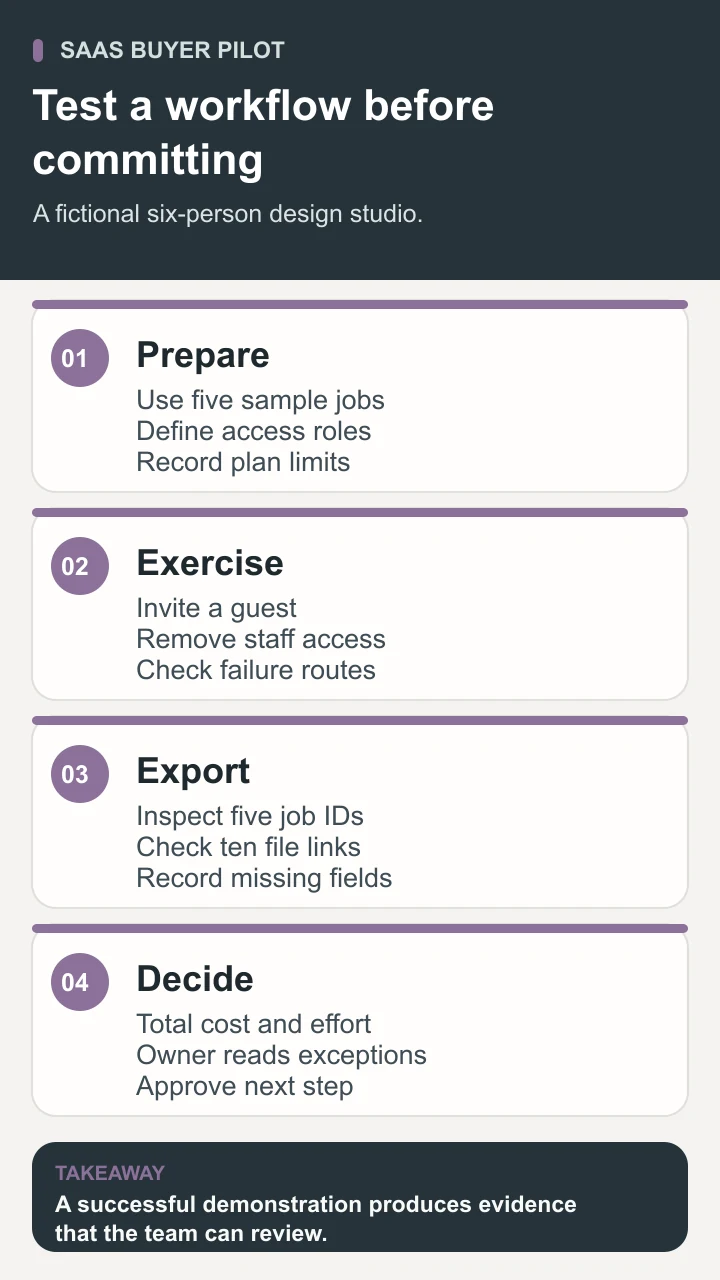
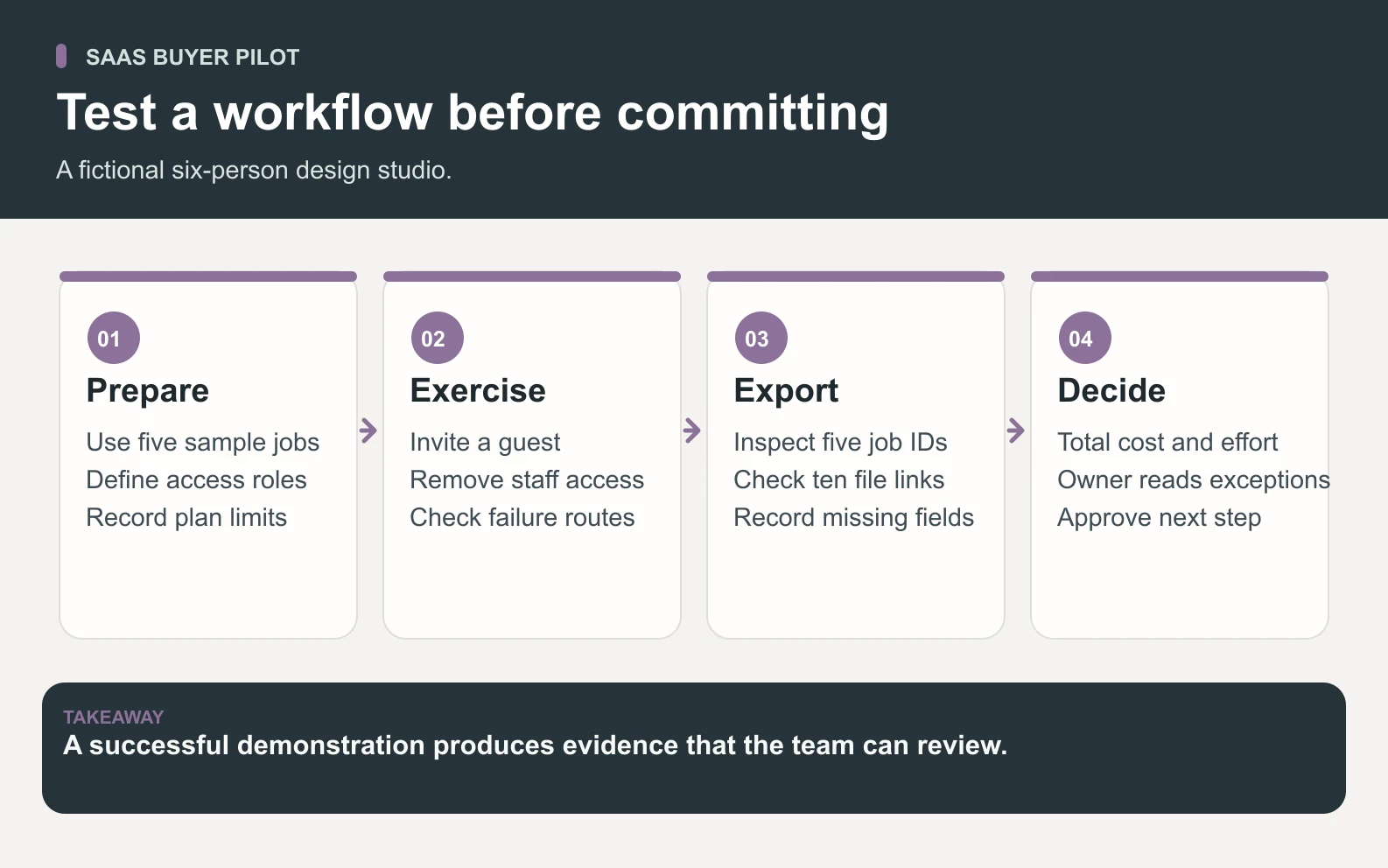
The studio can use five fictional jobs, ten attachment references, and three role types: administrator, staff member, and guest. These are sample records for an acceptance exercise, not a claim that a named application has passed. Give each job a stable identifier so reviewers can compare the screen, exported row, and attachment reference without relying on a title that someone can rename.
Scroll horizontally to view all columns.
| Pilot case | Acceptance criterion | Evidence to keep |
|---|---|---|
| Prepare a client review | The guest can find the intended project and correct file version. | Observed project ID, attachment version, and guest-visible result. |
| Check a private job | The guest cannot reach an unshared sample job through normal app or shared-link paths. | Test identity, configuration, and observed access result. |
| Remove staff access | The documented removal action produces the required access state. | Observed result for active sessions, direct links, and connected access paths. |
| Inspect the export | Five job IDs and ten attachment references can be matched to the sample packet. | Counts, field meanings, relationship checks, and missing items. |
| Handle an interruption | Staff can recognize an unavailable operation and use the agreed fallback. | Visible failure status, recovery steps, and the outcome of a repeated action. |
For the removal case, define the result you need before testing. An account disabled for new sign-ins may have an existing session or separately shared link that needs another control. Ask the provider how those mechanisms work, then verify the authorized case using sample data. Record exactly what was tested. A limited interface check does not establish that every integration or cached copy has been removed.
For an interruption, rehearse a small, reversible example. If an integration update fails, can staff see that the task is incomplete? If they retry, will the workflow create a second item? A product’s documented retry behavior is a starting point for the test. Keep an exception log when the desired behavior is unavailable, unclear, or outside the allowed pilot environment.
Inspect exported data and the path to leave
Download the sample project export and the SaaS evaluation worksheet. The CSV contains five fictional job IDs with two attachment references each. It is a tiny teaching packet, not an export from a commercial product. Use it to practice reconciling counts and field meanings before defining the real export your business needs.
Counting rows is only the first check. Confirm that the owner, status, dates, and file references retain their intended meanings. Then inspect whether the export includes the actual files or only pointers that require access to the original service. Our sample intentionally contains references, not file contents. A count of ten references does not prove ten attachments are available outside the application. Record that gap explicitly.
Ask how comments, decisions, audit history, and relationships are represented. A flat row can retain a job’s title while losing the conversation that explains its approved version. Decide which parts matter for continued work and which are simply convenient. Recreate one sample job in the proposed destination before assuming that a large archive will remain usable after cancellation.
Record who owns the exit procedure and when the team would need it. Include the documented export process, the time allowed to retrieve data, and any approved fallback for a service interruption. Review these requirements when the workflow changes. Hosted delivery can reduce infrastructure work while making continuity depend on an application and access path the business must understand.

Prepare a reviewed software evaluation with Space Office
In the Space Office workflow, give Hydrogen the user task, required roles, sample records, current vendor terms, and acceptance criteria. Sodium, the Market Research and Intelligence Specialist, can research the option against the brief and record source-backed differences. Carbon, the Senior QA Engineer and Test Strategist, can exercise agreed cases in an authorized environment. Hydrogen coordinates and reviews the findings. A human owner chooses the product and approves purchase, access, and any migration.
A useful first output is an evaluation packet containing the requirements, cost assumptions, observed tests, and unresolved questions. Ask for missing evidence to remain visible. A vendor page describing an export is different from an inspected export of the required records. The specialist roster shows the available roles, and the software architecture guide helps a technical team record broader design decisions when buying a tool affects the surrounding system.
Choose SaaS around the work you need to own
SaaS can give a team access to a ready-made application while the provider operates much of the underlying service. Choose it around a specific workflow, the people who need access, and the records the business must retain. Model the full cost, rehearse a small pilot, and inspect the export before committing. A reviewed decision should explain what worked, what remains uncertain, and who owns the next step.
Sources and review notes
Reviewed against the linked primary sources on the checked dates. Search features and citations are selected by their respective platforms; no placement is guaranteed.
- Microsoft Azure introduction to SaaS — checked
- AWS explanation of software as a service — checked
- Microsoft guidance on shared cloud responsibility — checked
Frequently asked questions
What is SaaS?
SaaS is software as a service: a model in which a provider hosts and operates an application that customers access over a network. Subscriptions and usage-based charges are common payment arrangements. The customer still owns decisions about its users, data, configuration, and business use.
What is an example of SaaS?
A hosted email application or shared project tool can be SaaS when the provider operates the application and customers access its functions as a service. Inspect the actual operating model. Paying a monthly license for software alone does not tell you where it runs or who maintains it.
How is SaaS different from PaaS and IaaS?
SaaS gives customers an application to use. Platform services generally provide an environment for deploying applications, while infrastructure services provide resources such as virtual machines. The responsibilities vary with the actual service, and one business system can combine all three.
How should a small team compare SaaS costs?
Use the same period and workflow for each option. Include required seats, metered usage, storage or integration charges, setup, administration, and exit work where relevant. Keep assumed quantities separate from measured pilot usage, and distinguish provider charges from internal staff time.
What should a SaaS pilot verify?
Test the ordinary workflow and important exceptions with approved sample data. Check guest access, removal of access, required integrations, failure visibility, and usable export content. Record the observed result and unresolved gaps, then have the owner approve the next step.