Guide
Local SEO: A Practical Checklist for Local Businesses
Use this local SEO checklist to make a real business easier to find, understand, and contact, with accurate facts and a review process your team can maintain.
By the Space Office team · Published · Updated · 16 min read
Local SEO is the work of improving a business’s visibility for relevant searches in the area it actually serves. Start with an eligible, accurate Google Business Profile, a useful website page, genuine customer evidence, and a working contact route. Measure profile interactions, website search traffic, and completed business separately. Space Office’s Neon can prepare the search review and Nitrogen the page copy. Hydrogen coordinates and reviews the packet; the owner verifies the facts and approves public changes.

Key takeaways
- Establish eligibility and the real operating location before editing a business profile.
- Keep services, opening hours, contact details, and customer expectations accurate.
- Make each local page useful to someone deciding whether the business can help.
- Ask for honest reviews without rewards, and use genuine business photos.
- Keep search visibility, contact actions, and verified paid work as separate measures.
Download the free local SEO worksheet to check business facts, prioritize corrections, and separate the measurements. The bicycle-repair shop below is fictional. For the wider question of which tasks to delegate, see our AI team for local businesses guide.
What local SEO can improve—and what it cannot control
A person searching for a bicycle repair shop needs more than a page that repeats a town name. They may need to know whether the workshop repairs their type of bicycle, accepts walk-ins, is open after work, and can explain the next step. Local discovery works best when the public information helps that person make a suitable decision. A prominent listing with incorrect hours can still produce a wasted journey.
Treat the business profile and website as related surfaces. The profile can help someone find a location and take a quick action. The website has room to explain services, conditions, examples, and the enquiry process. A searcher might encounter either one first. Review both from the customer’s perspective, including the destination reached after a profile website click.
Google’s local ranking guidance describes relevance, distance, and prominence as major factors. Detailed information helps explain relevance; distance depends on the searcher’s location; prominence includes signals such as links and reviews. Google also says businesses cannot request or pay for a better local ranking. Accurate information, verification, current hours, and relevant photos are sensible foundations, rather than a promise of a position.
Write the objective as a business task you can evaluate: help suitable nearby customers understand the repair offer and reach a staffed contact route. Avoid an objective that requires appearing first for every search across a region. Different locations, devices, queries, and competing businesses can produce different results. A single search from the owner’s phone is a narrow observation.
Confirm eligibility and create a verified business fact sheet
Before creating or changing a profile, read Google’s business representation guidelines. Eligibility generally requires a physical location customers can visit or a business that travels to customers. Use the real-world business name, accurate location or service area, and categories that describe the core operation. An online-only company does not become eligible merely because it has customers in a city. Check the detailed rules for your business type and any exceptions.
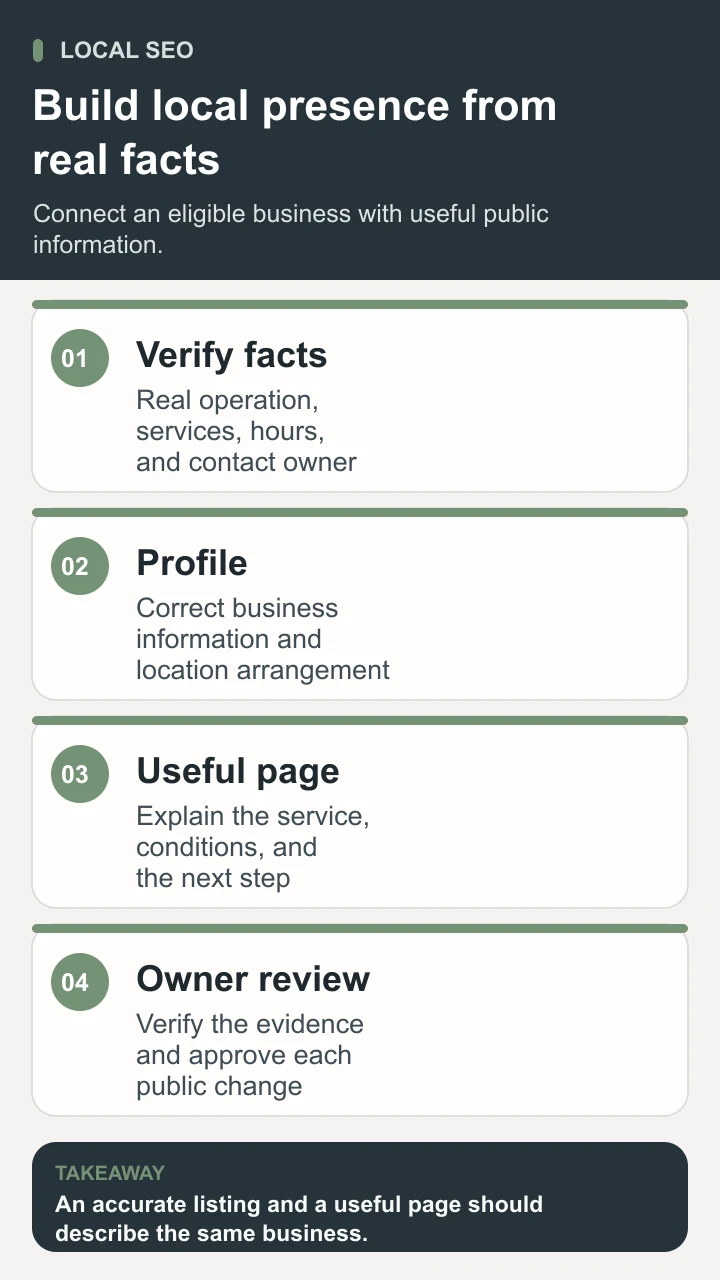
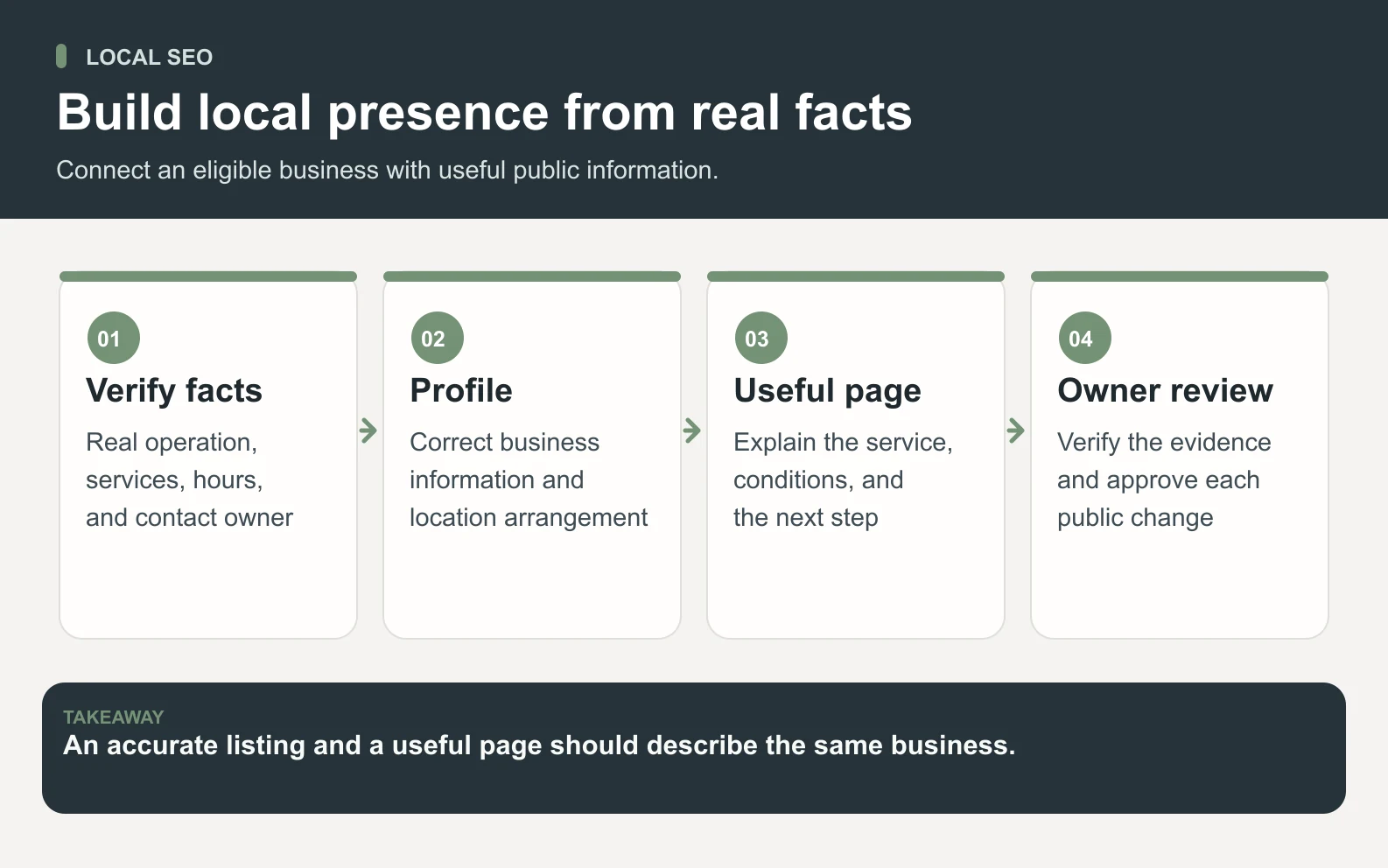
Build one fact sheet the owner can sign off. Record the public business name, website, monitored telephone number, regular and special hours, services, location arrangement, and the person responsible for changes. Attach a source for each fact: the current operating schedule, approved service list, or an actual storefront photograph. Mark an uncertain detail as unresolved. An old directory entry is a clue to investigate, rather than authority over the owner’s current records.
Google’s service-area guidance distinguishes businesses that visit customers from hybrid businesses that also receive them at an address. If customers are not served at the address, remove that address from the profile. Describe where the business genuinely operates. A large service-area setting is not evidence that a team can deliver everywhere within it.
Scroll horizontally to view all columns.
| Fact to check | Evidence to use | Customer consequence |
|---|---|---|
| Opening and special hours | Owner-approved operating calendar | A customer knows when a visit is possible |
| Services and exclusions | Current workshop service list | An unsuitable repair request is avoided |
| Address or service arrangement | Actual customer-facing operation | People are directed to the correct place |
| Contact route | A tested phone number or enquiry form | A suitable request reaches its owner |
For a multi-location operation, record the facts and responsible person for each real location. Keep account ownership with the business and use explicitly authorized access when someone helps. Never resolve an eligibility problem by inventing an address, renaming the business for a search phrase, or creating duplicate profiles. Resolve the underlying facts first.
Make the profile and local service page work together
Use the approved fact sheet to prepare a change list. Put the current value beside the proposed value, its evidence, and the person who can approve it. This makes a small correction reviewable. A mechanic can quickly confirm that the special-hours calendar is right; approving a vague request to optimize everything is much harder.
Then draft the page for a specific service and genuine customer need. A bicycle repair page might explain the types of repairs accepted, how the initial assessment works, what the customer should bring, and how an appointment is confirmed. Explain exclusions too. If a particular bicycle system is not supported, a clear sentence saves both parties time. Only publish prices, turnaround estimates, warranties, and availability that the business has approved.
- 1Write a descriptive page title and heading that identify the service and actual location naturally.
- 2Explain the service, relevant conditions, and enquiry or booking process in plain language.
- 3Add genuine local details, such as how to find the entrance, where bicycles are received, and owner-verified access information.
- 4Use relevant original photographs and describe what they show. Keep customer faces and personal details out unless their use is authorized.
- 5Test the contact route on a phone. Check who receives the request and what happens after submission.
A useful page can serve several nearby neighborhoods without pretending to operate a branch in each one. Google’s doorway-abuse policy includes substantially similar regional or city pages that funnel users toward one destination. Create another page when a real difference in location, service, or customer information justifies it. Swapping place names in the same paragraphs does little to help a visitor.
Finally compare the page and profile side by side. Check that hours, service scope, links, and contact details agree. A beautifully written page still fails if its booking button points to an abandoned form. Keep a dated copy of the approved change list so the next reviewer can understand what changed.

Build genuine evidence through reviews, photos, and local relationships
Reviews help a prospective customer understand the experience of dealing with the business. Google’s review guidance allows asking customers for reviews using a link or QR code, while prohibiting incentives in exchange for reviews, changes, or removal. The review should reflect a genuine experience. Make an honest request without prescribing a rating or writing the customer’s story for them.
For the fictional workshop, a simple process is to give customers the same neutral review invitation after a completed repair, subject to their communication preferences. The staff member should not ask only the people who appear delighted. Explain internally who can send the invitation, where the approved link is stored, and how a customer can decline. Do not turn a routine service handoff into pressure for praise.
Draft replies that address the public comment without revealing private repair details or contact information. Thank the reviewer where appropriate, acknowledge the specific concern, and offer a monitored route to resolve a problem. If the review is disputed, the owner should establish the facts before approving a reply. An AI-written response cannot determine what happened in the workshop from a few public sentences.
Photographs should answer practical questions: what the entrance looks like, where customers hand over a bicycle, and what the working environment is like. Check that the image still represents the current business. A synthetic illustration is suitable for explaining this guide, but it should not be presented as a photograph of a shop that does not exist.
Local relationships also need substance. A cycling club might link to a genuinely helpful maintenance event, or a neighborhood directory might list an actual member business. Start with relevance and a real reason for the mention. Avoid buying packages of unexplained links or treating every directory listing as equally valuable. Keep a record of inaccurate business details you find elsewhere and prioritize the places customers actually use.
Run a practical 28-day local search improvement plan
Consider a fictional independent bicycle shop with one customer-facing workshop. Its owner discovers that a holiday schedule is outdated, the service page omits which bicycles are accepted, and the contact form goes to an inbox nobody checks on weekends. The first month’s plan addresses these known problems. It does not begin by manufacturing dozens of pages or promising a large increase in enquiries.
Scroll horizontally to view all columns.
| Period | Work | Acceptance check |
|---|---|---|
| Days 1–7 | Confirm eligibility, access, business facts, and the baseline | Owner resolves disputed hours and service scope |
| Days 8–14 | Correct profile information and draft one useful repair page | Approved facts match across both surfaces |
| Days 15–21 | Publish approved edits; test the enquiry route; prepare a neutral review invitation | A test request reaches the assigned person |
| Days 22–28 | Review dated reports and repair records | Record what changed, what remains uncertain, and the next task |
Give every task an owner and a clear finish. The form repair is complete when a test request reaches a monitored inbox and someone confirms the response process. The page task is complete when the accepted services, exclusions, and next step match the approved source. “Improve visibility” is too broad to serve as an acceptance check for either task.
Keep urgent factual corrections separate from experiments. Wrong hours should be fixed because customers need correct information. A proposed change to page wording can be reviewed as a hypothesis about clarity. Do not leave a known error live simply to create a comparison period. Record the correction date and any other material changes, including a closure, changed staffing, or a promotion.
At the end of the period, the fictional owner can verify that the hours agree, the page is clear, and requests arrive correctly. Search effects may remain uncertain. An increase or decrease during a short period could reflect demand, weather, seasonality, competition, tracking changes, or advertising. Continue useful maintenance while collecting enough context for the next decision.
Measure profile actions, website search clicks, and actual work separately
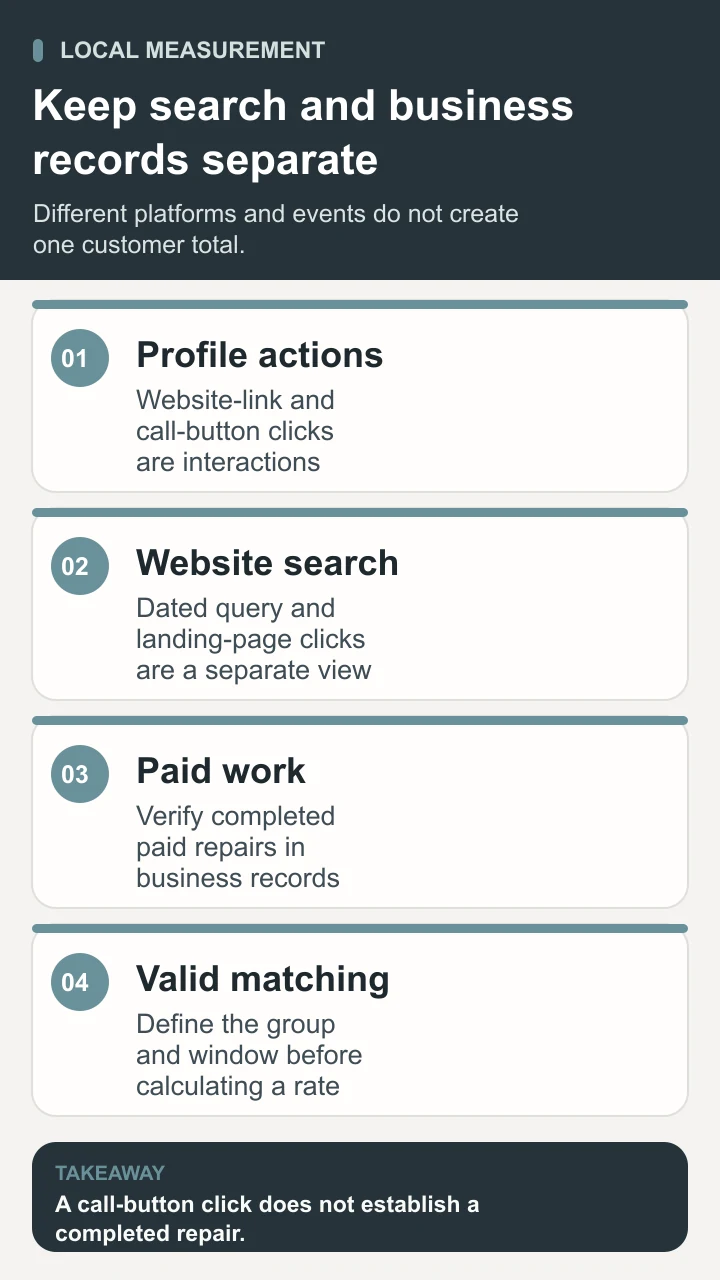
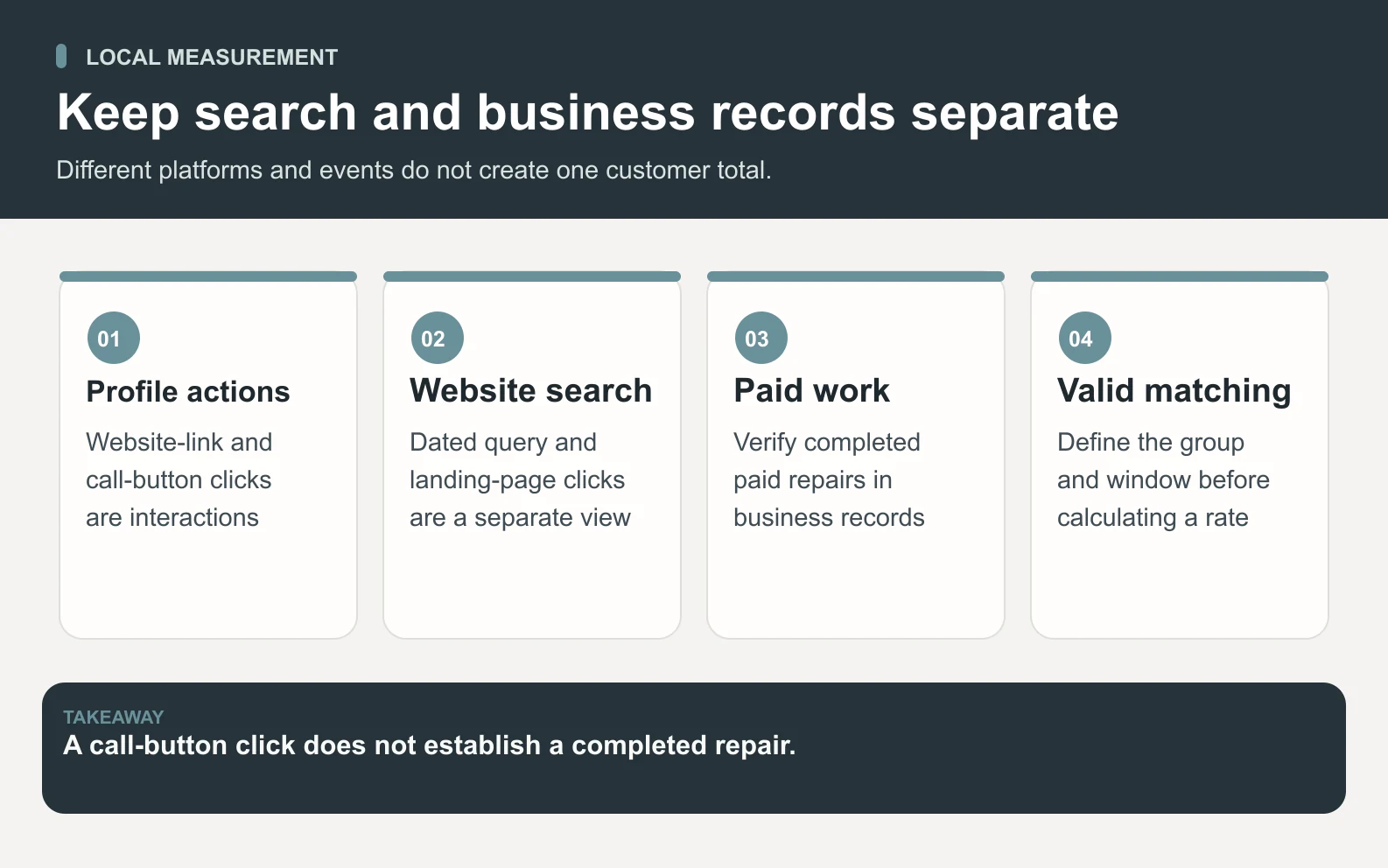
Google defines Business Profile calls as call-button clicks and website clicks as clicks on the profile’s website link. A call-button click does not establish a completed conversation or repair. Available metrics vary, and performance can include organic activity and Google Ads. Preserve those definitions in the report rather than describing every action as an organic lead.
Create three views: profile interactions, website search performance, and business outcomes. For the website view, record the same date range, relevant landing page, queries, and filters each time. For the outcome view, use approved repair or booking records. If the business cannot match a repair to a search contact, keep its acquisition source unknown. A plausible story is not attribution.
Scroll horizontally to view all columns.
| Fictional 28-day record | Observed count | Interpretation |
|---|---|---|
| Profile website-link clicks | 32 | Recorded profile actions; not necessarily distinct customers |
| Profile call-button clicks | 18 | Attempts to use the call button; completed calls unknown |
| Website search clicks | 46 | A separate website search report; overlap with other records unresolved |
| Completed paid repairs | 9 | Verified workshop outcomes; search attribution not established |
Do not divide nine repairs by eighteen call clicks and call the result a call conversion rate. The repairs might include repeat customers, walk-ins, or people who never used that button. A defensible rate requires a defined eligible group, reliable matching, an observation window, and a consistent outcome. Likewise, a website session is a different unit from a profile interaction.
The next investigation should follow the actual gap. If verified enquiries arrive but cannot be answered promptly, fix the response process. If the page receives relevant visits but people repeatedly ask whether their bicycle is supported, review that explanation. If reports are missing, establish measurement before presenting a confident diagnosis. Visibility is useful when the business can understand and serve the demand it receives.

Prepare one bounded Space Office correction packet
A useful Space Office brief is specific: review the approved information for this actual workshop, prepare a prioritized correction list, and draft one repair page. Supply the verified fact sheet, current page text, approved business photos, known customer questions, and dated aggregate reports. Use exports when sufficient. Any direct account access must be explicitly authorized for the intended task.
Neon, the SEO & Discovery Specialist, can examine local search information, page structure, metadata, and internal links. Nitrogen, the Content & Copy Specialist, can turn approved service facts into clear page copy and draft a neutral review invitation or reply. These are current roles in the Space Office agent roster; the work still depends on the inputs and permissions supplied.
Hydrogen coordinates the brief and reviews the combined packet before delivery. Ask for the proposed edit, source fact, reason, priority, owner, and unresolved question on each item. This helps the mechanic distinguish a confirmed hours correction from a suggested wording experiment. The human checks eligibility, services, customer privacy, and operational commitments, then decides which changes to approve.
A complete packet can include the fact sheet, profile change list, page draft, tested contact checklist, and a measurement note. It should also state what could not be checked. Missing ownership verification or unavailable performance data should remain visible. The how Space Office works page explains the coordination model; choosing specialists does not automatically grant them access to a profile, website, or customer record.
Use the first review to improve the next brief. If the draft omitted an important exclusion, add that fact to the shared source. If every proposed change is low priority while a contact route is broken, narrow the task. The objective is a maintainable business process with clear responsibility, rather than an expanding list of unreviewed optimization suggestions.
Keep local SEO useful after the first month
Make maintenance follow real business changes. A new service, altered hours, a moved entrance, a changed contact number, or temporary capacity constraints should trigger a review of the relevant public information. Give one person responsibility for collecting these changes and another clear route for approving them. Reusing the fact sheet is more reliable than reconstructing the business from old prompts each month.
Choose a review cadence the team can sustain. Check urgent details when they change, inspect contact delivery routinely, and compare search reports over suitable periods with consistent definitions. Keep annotations for closures and campaigns. A small local business often learns more from a few well-documented customer questions than from a large report whose numbers nobody can explain.
Local SEO is ongoing work to connect accurate business information with suitable nearby customers. Begin with eligibility and facts, make one service page genuinely helpful, collect honest evidence, and verify that a request reaches someone who can help. Then use separate search and business records to choose the next improvement. A careful process supports discovery while keeping claims proportional to what the evidence actually shows.
Sources and review notes
Reviewed against the linked primary sources on the checked dates. Search features and citations are selected by their respective platforms; no placement is guaranteed.
- Google: Guidelines for representing your business — checked
- Google: Manage service areas — checked
- Google: Improve your local ranking — checked
- Google: Tips to get more reviews — checked
- Google: Business Profile performance — checked
- Google Search Central: Spam policies — checked
Frequently asked questions
What is local SEO?
Local SEO is the practice of improving a business’s visibility for relevant searches in the geographic area it serves. It combines accurate local business information, useful website content, genuine evidence, and measurement. Eligibility, proximity, competition, and search context affect what can appear; the work cannot guarantee a particular position.
Does an online-only business qualify for a Google Business Profile?
An online-only business generally does not qualify just because it has a website or customers in a location. Google’s eligibility rules require an appropriate in-person business arrangement, subject to its detailed rules and exceptions. Verify the actual operation before creating a profile or choosing an address.
Do I need a separate page for every nearby town?
Create a separate page when it provides materially useful information about a real location or distinct service situation. Repeating the same page with different town names does not answer a new customer question and can create doorway-page concerns. One clear page may appropriately explain the actual area served.
How long does local SEO take to show results?
There is no universal deadline. Correcting business information and fixing a broken form can improve accuracy immediately after the change takes effect, while search visibility depends on several factors outside the owner’s control. Use a first-month plan to finish concrete tasks and establish a baseline, then review suitable periods without promising a ranking date.
Can Space Office manage the whole process automatically?
Neon and Nitrogen can prepare search recommendations and copy, with Hydrogen coordinating and reviewing their output. The owner supplies verified facts, authorizes any needed access, and approves public edits. The workflow does not imply automatic account access, publication, completed sales, rankings, or AI citations.