Comparison
Sintra vs Lindy: Context, Workflow & Cost Comparison
By the Space Office team · Published · Updated · 10 min read
Sintra vs Lindy is not a simple cheaper-versus-better decision. Sintra is strongest when you want named AI helpers, Brain AI context, and guided use cases. Lindy is stronger when you need a Slack-native teammate, pooled credits, approvals, and connected work across a team. Compare the task, approval path, and real monthly workload before comparing sticker prices.

Sintra vs Lindy: the short answer
Choose Sintra for helper-led task templates; choose Lindy for team workflows with approvals and pooled credits. Sintra currently presents a bundle of 12+ named helpers with Brain AI as shared business context. Lindy presents a teammate that works in tools such as Slack, inboxes, meetings, and connected apps, with credit pools and approvals for actions with outside impact.

That makes the buying question practical: are you trying to make repeat content, support, hiring, sales, or SEO tasks easier for one operator, or are you trying to let a workspace delegate connected work without surprise sends or updates? If the answer is the second, approvals, seat policy, integrations, and credit consumption matter more than the lowest displayed monthly price.
Scroll horizontally to view all columns.
| Question | Sintra | Lindy |
|---|---|---|
| Core model | 12+ named helpers plus Brain AI | A workspace AI teammate with skills and connected workflows |
| Context model | Brain AI knowledge base that helpers can access | Persistent workspace context and team files |
| Entry price to verify | Promotional Sintra X terms displayed from $15.60/month to $48.50/month depending on term | $29.99/user/month Plus plan listed with 3,000 credits |
| Usage unit | 250 monthly credits shown on Sintra X | 3,000 to 35,000 credits per user per month, pooled by workspace |
| Approval posture | Verify per helper and integration | Lindy says outside-impact actions wait for approval |
1. Compare the work unit, not the brand category
1. Start from one complete task
A fair Sintra vs Lindy test uses one complete work unit. For example: turn a product update into a customer email, a social post, a help-center update, and a short sales enablement note. The test should include source facts, forbidden claims, who approves the output, and what counts as finished. Without that, you are comparing landing-page vocabulary rather than operating fit.
Sintra's helper model is easier to evaluate when the task maps to a named helper such as Seomi for SEO, Penn for copywriting, Cassie for customer support, or Scouty for recruiting. Lindy's teammate model is easier to evaluate when the task crosses meetings, inboxes, Slack mentions, folders, scheduled routines, and external systems. Those are different buying moments.
2. Pricing comparison: do the arithmetic with credits
2. Convert plans into monthly work capacity
A credit is not a standard unit across vendors. Sintra's public pricing page lists 250 monthly credits for Sintra X. Lindy lists 3,000 credits/user/month on Plus, 15,000 on Pro, and 35,000 on Max. Lindy also describes everyday asks as 2–250 credits, deep work as 250–1,000 credits, and big builds as 1,000–2,500 credits. That makes workload mix the deciding variable.
Worked example
If a founder runs 8 deep-work tasks in a month and each uses 500 credits, that is 4,000 credits. A single Lindy Plus seat with 3,000 credits would be short by about 1,000 credits, while Lindy Pro's 15,000 credits would cover the example. Sintra's 250-credit listing would need a much lighter task definition or separate terms. This is illustrative, not a benchmark.
Scroll horizontally to view all columns.
| Monthly workload | Credit assumption | What it implies |
|---|---|---|
| 20 everyday asks | 20 × 50 = 1,000 credits | Fits comfortably inside Lindy Plus if the estimate holds |
| 8 deep-work tasks | 8 × 500 = 4,000 credits | Above one Lindy Plus seat; inside one Lindy Pro seat |
| 2 big builds | 2 × 1,500 = 3,000 credits | Consumes one Lindy Plus pool before any other work |
| Sintra X listing | 250 monthly credits shown | Better judged on helper templates and actual credit burn |
3. Context is useful only when the source stays clean
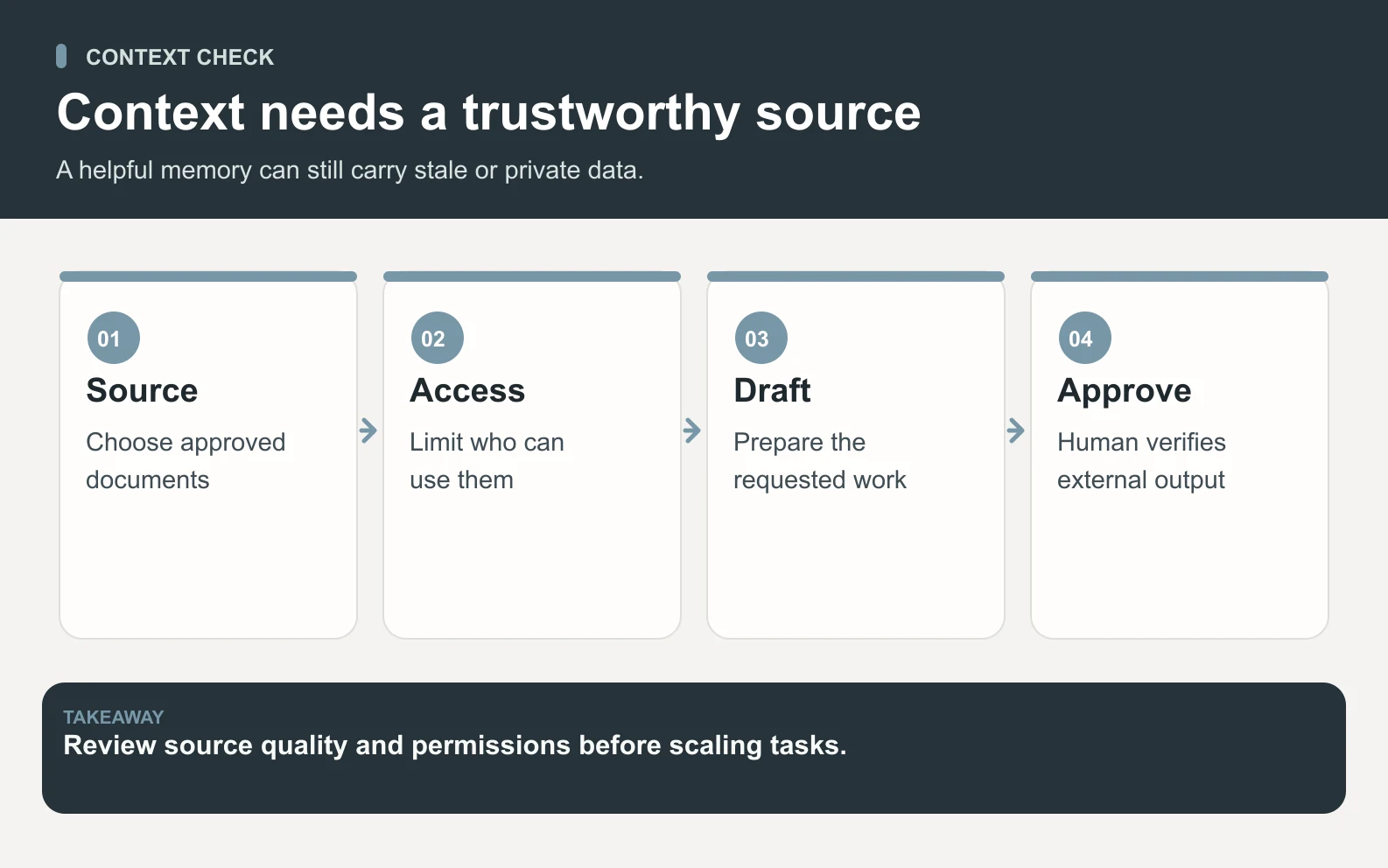
Sintra's Brain AI page describes a business knowledge base that accepts text, webpages, PDFs, TXTs, CSVs, and other file formats, plus up to 5 Brain AI profiles. Lindy's pricing page describes persistent workspace context and team files with version history. In both cases, context quality depends on what your team puts into the system and how stale facts are corrected.
Swipe to explore the diagram
Test a changed fact on purpose. Add an old price, then add the corrected price with a date and ask for a customer email. The product that notices the conflict, asks for clarification, and keeps the correction available for future work is safer than the product that simply writes faster. This test is more revealing than asking either tool to summarize a clean document.
4. Sintra's advantage: named helpers and simpler starts
Sintra has the cleaner mental model for a solo operator who wants to pick a helper and start. Its helper list maps to recognizable jobs: social, support, analytics, strategy, email, recruiting, copywriting, ecommerce, sales, SEO, and executive assistance. That makes it approachable when the user knows the function but does not want to design an agent workflow.
Sintra also does well when brand context is the main missing ingredient. Brain AI's multi-profile model is especially relevant for agencies or multi-brand operators because one user may need separate context for clients, projects, or business lines. The tradeoff is that the buyer still needs to verify the exact integration, approval, and credit behavior for the helper they plan to use.
5. Lindy's advantage: approvals and team operations
Lindy is more explicit about team operations. Its pricing page describes Slack-native threads and mentions, scheduled routines, meeting workflows, inbox management, iMessage access, shared credit pools, MCP support, model selection, and built-in approvals. Its FAQ says outside-impact actions, such as sending an email, updating a ticket, posting to another channel, or publishing a document, wait for approval.

That approval language matters. If an AI system can touch customers, tickets, calendars, docs, or internal tools, a cheap plan is not enough; you need a clear stop point before external impact. Lindy deserves credit for making that part of the buying conversation visible. A Sintra buyer should ask the same approval question for each helper and integration before connecting important systems.
6. When Space Office belongs on the shortlist
Space Office is a different category: a managed AI workforce where Hydrogen, an AI project manager, coordinates selected specialists and reviews outputs before delivery. It is not a replacement for every Sintra or Lindy use case. It belongs on the shortlist when the job is cross-functional and finished-work oriented: for example, SEO research from Neon, copy from Nitrogen, design direction from Boron, and implementation review from Chromium.
The current Space Office base subscription is $60/month or $600/year for Hydrogen plus two chosen specialists. Additional specialists are $25/month each or $250/year each. Dedicated AWS compute starts at an estimated $30/month, and model usage is paid to your own AI provider with zero markup. See the Space Office pricing model before comparing it with a credit-based product.
Space Office math
A content-and-SEO setup with Neon and Nitrogen uses the two included specialist slots: $60 subscription + about $30 light compute = about $90/month before model usage. Adding Boron for design would be $60 + $25 + about $30 = about $115/month before model usage. This is illustrative planning math.
7. Pilot checklist for Sintra vs Lindy
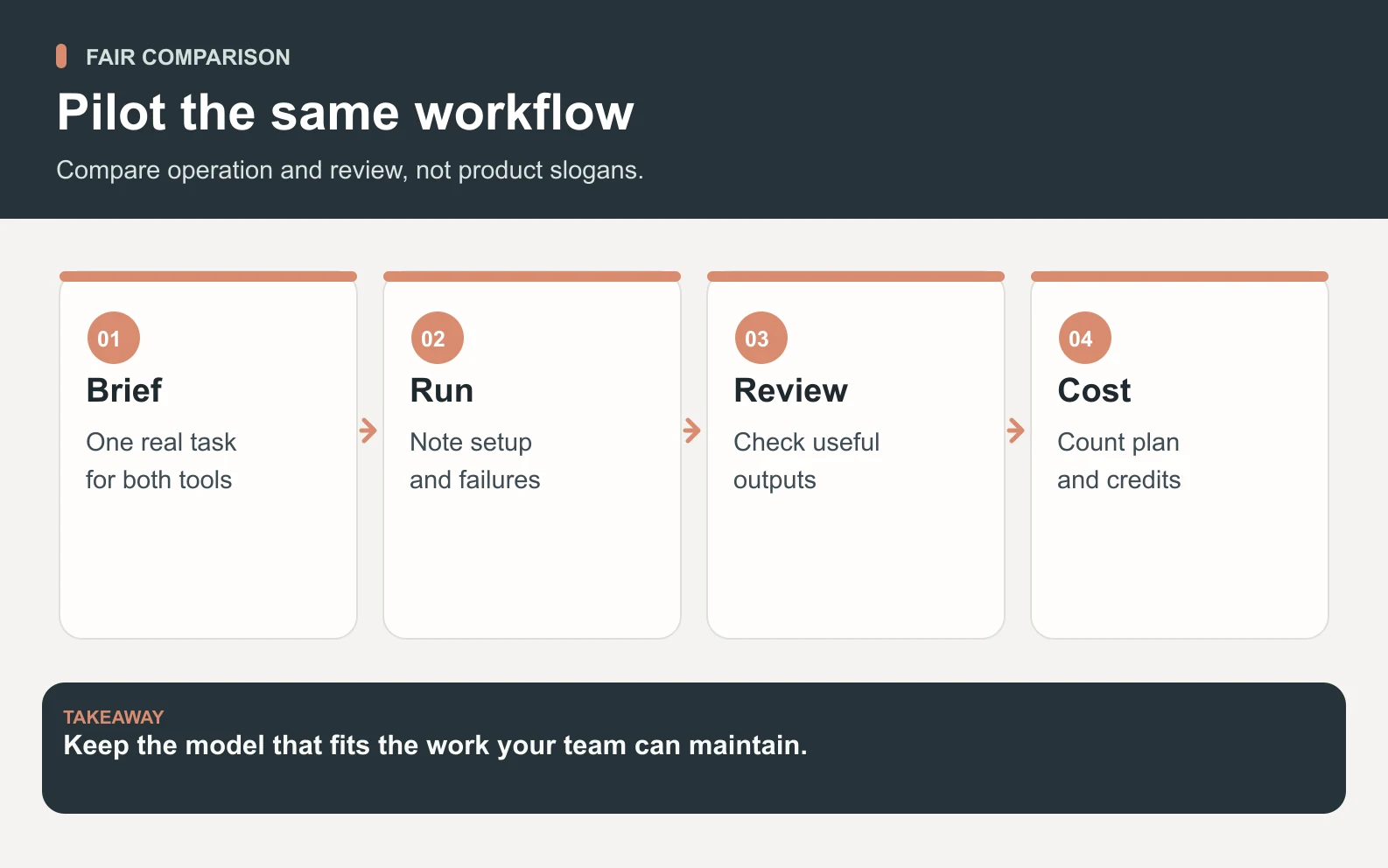
3. Measure accepted work, not output volume
- 1Pick one real task with source material, constraints, and a human approval step.
- 2Run it in Sintra using the most relevant helper and Brain AI profile.
- 3Run it in Lindy using the relevant connected tools, approval path, and workspace context.
- 4Record setup time, clarification rounds, credit usage, corrections, and review time.
- 5Reject any output that invents facts, hides uncertainty, or tries to complete an outside-impact action without approval.
For a broader shortlist, compare this test with AI tool alternatives, Sintra AI alternatives, and AI agent pricing. The goal is not to crown a universal winner; it is to find the workflow that creates accepted work with the least unmanaged risk.
Swipe to explore the diagram
8. Final recommendation
Pick Sintra if you want a friendlier helper menu, brand knowledge, and lightweight business tasks without designing a workflow. Pick Lindy if your work lives in team channels, meetings, inboxes, and connected tools where approval and credit pooling matter. Pick Space Office if you want a managed specialist workflow where the output is coordinated and reviewed before you see it.
Want a managed AI team instead of another tool to configure?
Meet the Space Office specialistsSources and review notes
This comparison is published by Space Office, a product that may be considered alongside Sintra and Lindy. It uses the official pages linked below and our current published product terms. We did not run a comparative benchmark, and promotional pricing, credits, feature names, and approval behavior can change.
- Sintra pricing and helper model — checked
- Sintra Brain AI — checked
- Lindy pricing, credits, and approvals — checked
Frequently asked questions
Is Sintra cheaper than Lindy?
Not automatically. Sintra displayed lower promotional monthly-equivalent prices on September 27, 2026, but it also showed 250 monthly credits. Lindy listed higher per-user prices with 3,000 to 35,000 credits. Compare the task volume, credit burn, term length, and renewal terms before calling either cheaper.
Is Lindy better than Sintra for teams?
Lindy is usually the more obvious team-operations candidate because it describes pooled credits, Slack-native workflows, shared context, meeting workflows, inbox management, and approvals. Sintra may still fit a team that mainly wants helper templates and Brain AI profiles for repeat functional work.
What is the biggest difference between Sintra and Lindy?
Sintra organizes work around named helpers and Brain AI context. Lindy organizes work around a workspace teammate, connected skills, approvals, and pooled credits. That difference matters more than the label “AI assistant” because it changes setup, review, and cost control.
How does Space Office compare with Sintra and Lindy?
Space Office is a managed AI workforce, not a helper marketplace or teammate seat. Hydrogen coordinates selected specialists and reviews outputs before delivery. It fits cross-functional work where a founder wants delegation and review, while Sintra and Lindy can be better for direct tool use.
How much does Space Office cost compared with Sintra or Lindy?
Space Office starts at $60/month for Hydrogen and two selected specialists, with additional specialists at $25/month each. Dedicated AWS compute starts around $30/month and model usage is separate through your own provider key. Compare that with Sintra or Lindy by modeling the same accepted workload.
Should I switch from Sintra or Lindy to Space Office?
Only if your current tool fails the workflow you need. Keep Sintra or Lindy if it already produces accepted work with clear approvals and predictable costs. Evaluate Space Office when you want managed specialist coordination, review, and finished cross-functional deliverables.