Guide
AI Agent Use Cases: Six Practical Tasks for a Small Team
Evaluate AI agent use cases by the work you can verify: research, content, prospect briefs, prototypes, testing, and launch preparation.
By the Space Office team · Published · Updated · 16 min read
AI agent use cases are specific jobs in which software uses a goal, information, and tools to prepare or carry out work across several steps. Useful starting tasks include sourced research, content drafts, prospect briefs, prototypes, test investigations, and launch packets. In Space Office, choose the relevant live specialists, let Hydrogen coordinate and review their output, and give a human owner the final decision. Start with approved inputs and one checkable deliverable; an agent name does not provide automatic account access or permission to publish.

Key takeaways
- Select a recurring output with a clear reviewer, rather than a broad instruction to run a department.
- Give the team approved source material, the intended reader, access boundaries, and concrete acceptance criteria.
- Research, drafting, and preparation can help before a human decides what to send, publish, or release.
- Measure accepted work, factual corrections, review effort, and full operating cost during a small pilot.
- Use the simplest method that solves the task; a fixed automation or a single prompt may be sufficient.
What makes AI agent use cases worth trying?
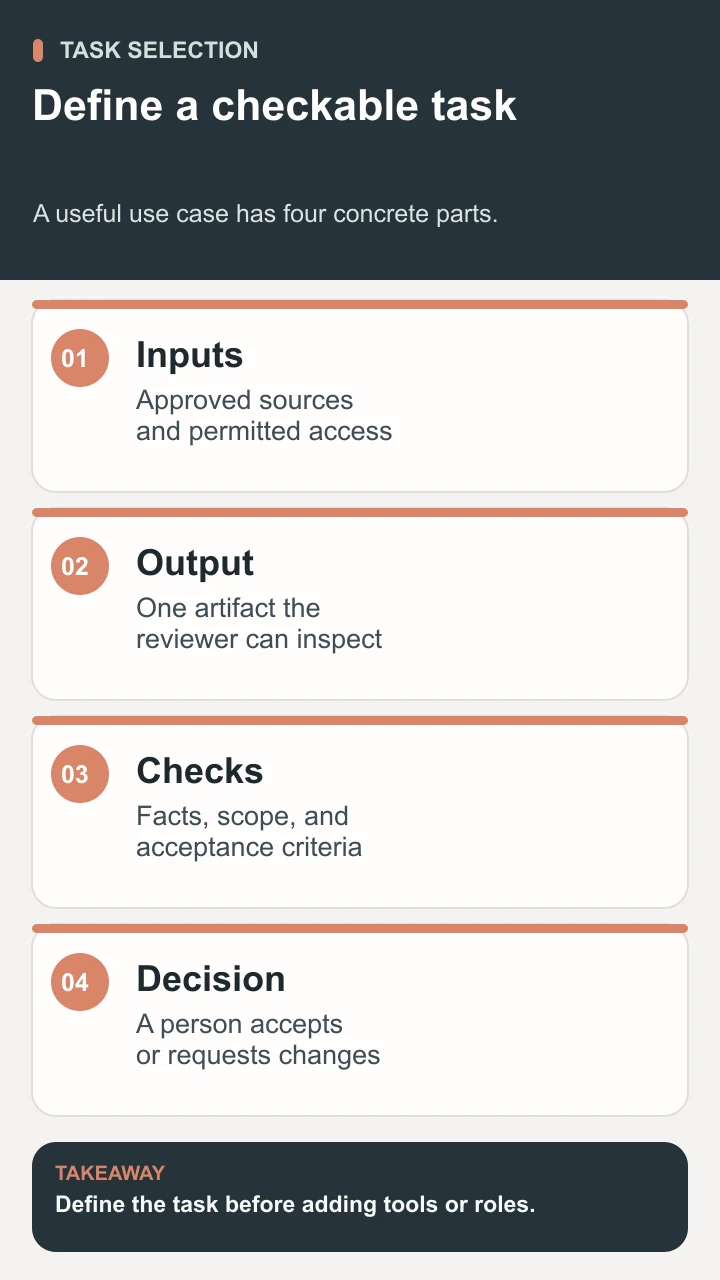
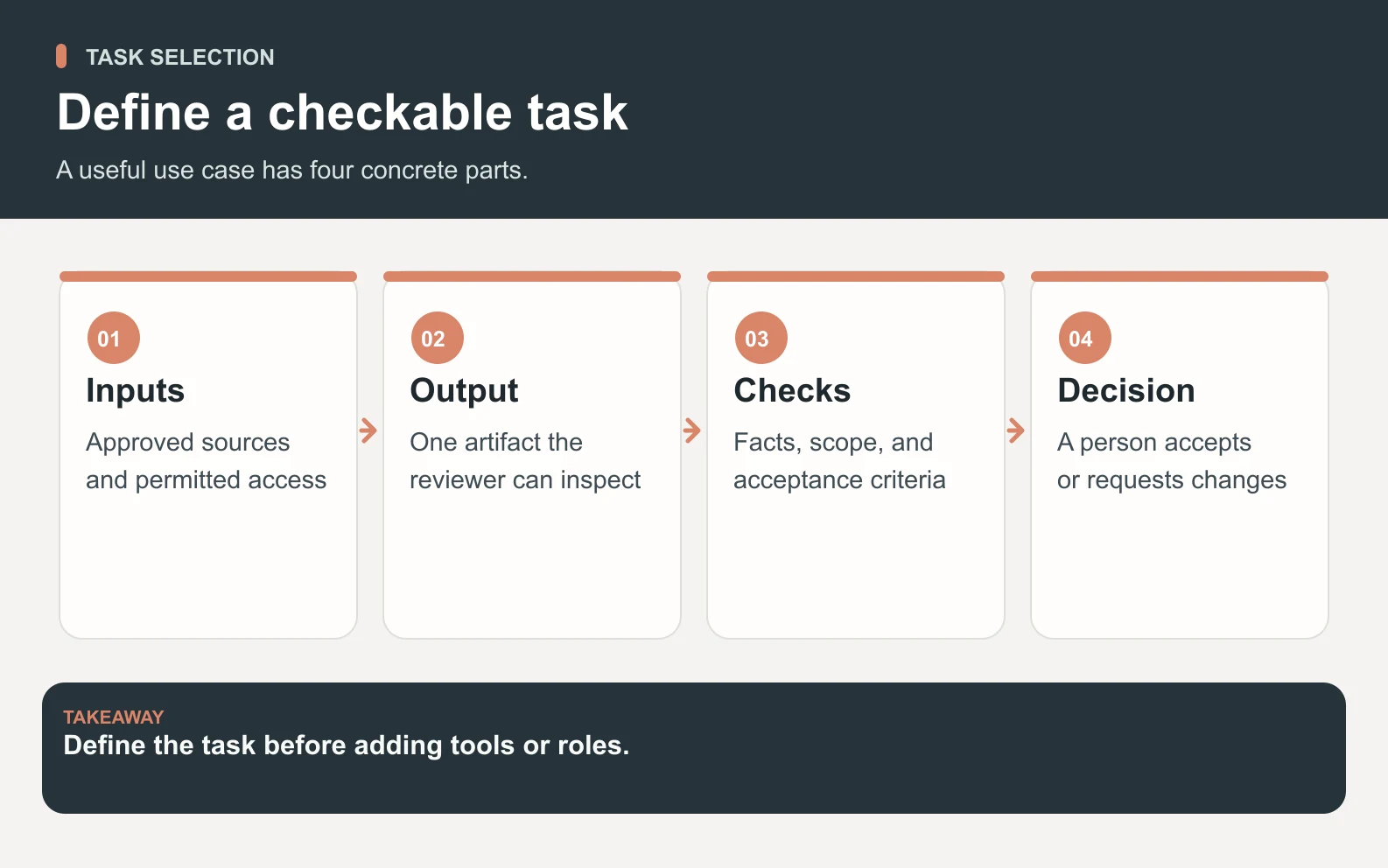
A use case needs more than an attractive task name. 'Help with marketing' leaves the output, evidence, and decision undefined. 'Prepare a comparison brief from these approved product pages, with a source beside each feature claim' gives a team something it can produce and a reviewer something they can inspect. The difference matters before choosing a platform: if you cannot describe an acceptable result, you will struggle to distinguish useful work from a fluent response.
Anthropic's engineering guide distinguishes predefined workflows from agents that choose how to proceed and use tools. It also recommends starting with a simple solution and adding complexity when justified. Those architectural principles do not mean every business task needs autonomous software. A fixed data transfer can remain an automation; a paragraph rewrite may need only a prompt. Consider a multi-step agent task when the work needs research, interpretation, several artifacts, or a response to what a tool actually returns.
Use three questions to screen a candidate. Can you provide the necessary information without inventing access? Can a person judge the output against evidence? Can you limit the consequences of a mistake while learning? A recurring research packet often meets those conditions. A request to negotiate an important contract without an accountable decision maker does not. The practical starting point is preparation that feeds a human decision, with clear boundaries on any external action.
Six useful tasks and the outputs to ask for
1. Build a sourced market comparison
Give Sodium, the market research specialist, a narrow comparison question, the audience, and approved source URLs. Ask for a matrix that separates documented features from editorial judgment and unanswered questions. Nitrogen can turn the checked findings into a readable brief. Hydrogen coordinates the handoff; the human owner confirms the evidence and decides whether the material belongs in a sales conversation, an internal decision, or a public article. The live roster describes these roles; their presence does not establish access to private competitor information.
An illustrative brief might compare three products' onboarding requirements. The useful output includes a source URL and checked date for every factual row, plus a short list of questions that could not be answered publicly. Do not ask the team to fill empty cells with plausible values. Review the current vendor pages yourself before making a buying decision. This task works best when the decision criteria are explicit: setup effort, supported inputs, and responsibility for maintaining the workflow, for example.

2. Prepare a page or email draft
Use Nitrogen for a draft based on approved product facts, a specific audience question, and a defined next step. Add Neon when the task requires search context, page analysis, or internal-link suggestions. Request the opening answer, supporting sections, a source checklist, and any claim that needs owner confirmation. A good brief says whether the deliverable is website copy, a lifecycle email, or an internal outline; otherwise the draft may be polished for the wrong setting.
For example, a founder can provide one existing page and ask for a clearer explanation of the service's inputs and review process. The reviewer compares each sentence with the approved facts and checks that the next step matches the actual product. Drafting permission does not imply permission to send email or publish a website. Our content workflow guide explains the broader handoff, while the AI agents for SEO guide covers choosing a page change from search evidence.
3. Assemble a prospect research brief
Iron can help prepare a prospect brief around an approved ideal customer profile and relevant public business information. Give the team a clear reason for researching the company and the kinds of evidence that would indicate fit. Ask for the source, date, business context, and uncertainty behind each proposed signal. If Copper helps draft an outreach message, keep that as a separate reviewed artifact. A research task should not silently expand into a campaign or claim permission to contact someone.
An illustrative output could describe a company's announced product launch, explain why the launch might create a particular operational need, and flag the inference for a sales owner. 'This company announced a launch' and 'this company must need our service' are different claims. The reviewer should accept the first only with a source and evaluate the second as a hypothesis. Avoid requesting speculative personal details, invented contact information, or a fabricated buying timeline to make the brief look complete.
4. Prepare a small product prototype
For a bounded frontend task, Chromium can help implement the interface, while Boron can help with design decisions. The customer supplies a repository or approved design files, the intended behavior, and the review environment. Ask for one small screen or component with an explanation of the tradeoffs. A prototype is a useful deliverable when it lets a human assess whether the interaction solves the problem before committing to a larger feature.
Suppose the task is a settings panel with an empty state and a confirmation step. Acceptance criteria should name the inputs, keyboard behavior, error state, and expected confirmation. The reviewer checks the actual implementation, not only a screenshot. Backend access, production data, and deployment require their own authorized scope. Use the development team guide when the work extends into application implementation rather than a visual prototype.
5. Investigate a reproducible test failure
Carbon can help investigate a failure when you provide the observed behavior, expected result, relevant code, and a way to reproduce it. Ask for reproduction steps, a likely cause supported by evidence, and checks that distinguish a fix from a superficial change. A developer specialist may then prepare the patch within the approved repository scope. Hydrogen can coordinate the investigation and review its completeness, while a human decides whether the change is ready for release.
A useful example is a form that accepts an invalid date only on one route. The task should include the input, route, environment, and result, then require a check of a valid date as well. Passing one test is evidence about that test, not a promise that the whole application is correct. Keep unrelated refactors out of the patch unless necessary to solve the failure. Review security, data changes, and deployment separately when they become relevant.
6. Prepare a launch packet
When the launch includes a news announcement, use the press release template to organize the headline, factual lead, approved quote, supporting details, and media contact. The guide includes a downloadable draft and a review checklist for the human communications owner.
A launch packet brings several small deliverables together: a product narrative, an announcement draft, supporting visuals, and an owner checklist. Oxygen can help with strategy and positioning, Nitrogen with copy, and Aluminum with multimedia preparation. Use the current specialist roster to choose only the roles the output needs. Hydrogen coordinates the pieces and reviews the handoff; a human verifies the feature claims and approves every public asset.
The input should identify which features actually ship, which audience the announcement serves, and which evidence may be used publicly. An illustrative packet can include an approved feature list, two copy options, a visual brief, and a release checklist with unresolved items. It should not include invented customer quotes or unsupported performance numbers. If the founder changes the release scope, the packet needs another review so the announcement does not describe a feature that remains unfinished.
Match the work to a small, accountable team
Choose roles after defining the deliverable. Hiring every specialist at once makes it harder to see which contribution improves the result and which handoff creates unnecessary review. A comparison brief might begin with Sodium and Nitrogen. A page audit and sourced draft might use Neon and Nitrogen. A frontend prototype might need Chromium and Boron. These are illustrative assignments, not promises that a particular account connection or output format comes preconfigured.
Scroll horizontally to view all columns.
| Task | Illustrative specialists | Required input | Human acceptance check |
|---|---|---|---|
| Comparison brief | Sodium and Nitrogen | Question, criteria, approved sources | Every factual row is traceable; unknowns stay visible |
| Page improvement | Neon and Nitrogen | Page URL, audience question, approved facts | The answer is accurate and publication is approved |
| Prospect brief | Iron and Copper if a draft is needed | Approved profile and business evidence | Sources support fit; outreach remains a separate decision |
| Frontend prototype | Chromium and Boron | Repository or designs and expected behavior | Actual interaction meets the agreed states |
Define the handoff in writing. Name the input owner, the person who can answer missing questions, the specialist responsible for the artifact, and the final reviewer. If a source cannot be opened, the team should flag the gap instead of pretending that a tool returned evidence. If the reviewer changes the question, update the brief before continuing. The how-it-works page explains Space Office's coordination and review process; access is arranged through assisted setup rather than assumed from a specialist's name.
Worked example: pilot one comparison brief
Consider an illustrative founder who needs a comparison brief before updating a sales page. The starting team is Sodium and Nitrogen, coordinated by Hydrogen. The founder provides three source URLs, a dated product fact sheet, the intended audience, and four comparison criteria. The requested output is one table, a short explanation of the decision criteria, and a list of unanswered questions. There is no instruction to purchase a product, change an account, or publish a page.
- 1Write the acceptance criteria before the first run: each factual row needs a source and date, editorial judgments need labels, and missing evidence needs an explicit gap.
- 2Ask Sodium for a research packet using only the approved scope. Check whether the evidence answers the criteria before requesting prose.
- 3Ask Nitrogen to draft the explanation from the accepted research. Keep unsupported cells empty or marked unknown.
- 4Have Hydrogen review the handoff for missing inputs and inconsistent claims. The founder checks the sources and chooses revisions.
- 5Repeat with another comparable brief and record the corrections and review effort. Decide whether the method is worth continuing before expanding it.
A rejected cell is useful feedback. Suppose a vendor page lists an integration but says nothing about which plan includes it. The reviewer should require the plan condition or mark it unverified. The next brief can explicitly ask for plan eligibility and checked dates. That improves the task definition instead of merely asking the model to try harder. Keep a correction log with the disputed statement, its source, the resolution, and the revised criterion so the team can apply the lesson to the next output.

Measure accepted work and the full cost
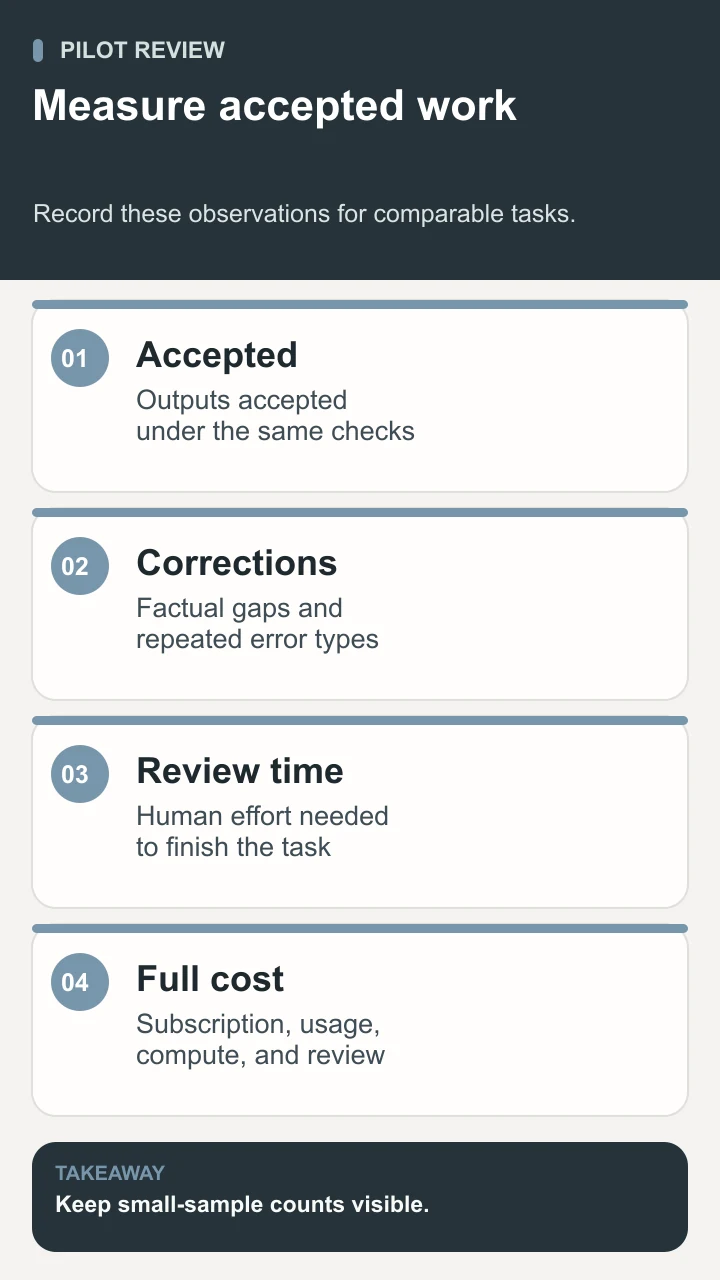
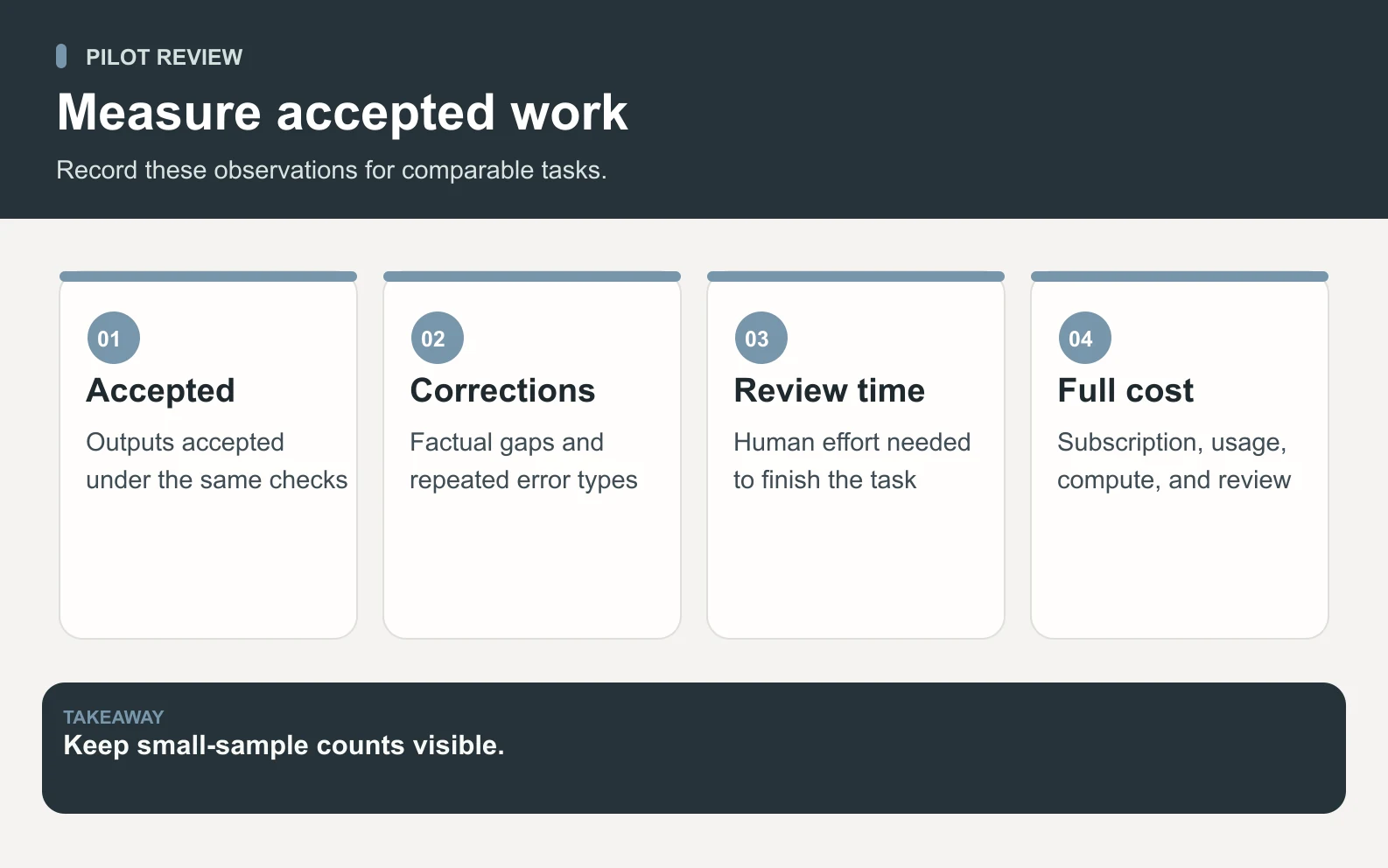
Track how many requested outputs were accepted, how many required substantial correction, which error types repeated, and how long the owner spent reviewing them. Record the actual counts alongside any percentages. Two accepted packets out of three are three observations, not a stable forecast of future performance. If the next task is more complex or uses worse source material, the earlier result may not transfer. Compare work with similar inputs and acceptance criteria before claiming the method improved.
The current Space Office pricing page lists a $60 monthly base subscription for Hydrogen and two chosen specialists. Adding a third specialist makes the subscription $60 + $25 = $85 per month. Dedicated compute and bring-your-own provider usage are separate, and human review takes time. For the Sodium-and-Nitrogen comparison pilot, two specialists fit the included pair; do not charge for Hydrogen as a third specialist. Check the current plan before budgeting, then track actual usage rather than inventing a per-document model cost.
Limits that should change the task
Pause a use case when the inputs are missing, the final action exceeds the approved scope, or nobody can judge whether the result is correct. More agents do not repair absent evidence. Keep the system of record authoritative: a draft summary should point back to the current source rather than become a substitute for it. When a business decision depends on facts that change quickly, give the team a narrow preparation role and require the owner to verify the current values.
A recurring task also needs a stop condition. Specify what to do if a source conflicts with the product sheet, a tool cannot open the document, or a draft invents an outcome. The sensible result may be a question for the owner instead of a finished artifact. That is especially relevant when preparation touches money, customer commitments, production systems, or personal information. Our guide to reviewing AI work gives a fuller review method, and when not to use AI agents helps identify tasks that need a different approach.
Conclusion: select AI agent use cases you can verify
The best starting AI agent use cases produce evidence a reviewer can inspect: a sourced comparison, an accurate draft, a bounded prospect brief, a working prototype, a reproducible investigation, or a launch packet aligned with the release. Choose one output, provide approved inputs, and define the acceptance check. Space Office can coordinate the relevant specialists through Hydrogen while the owner controls the final decision. Keep the pilot small enough to learn from its corrections, then expand only when the work and review effort justify it.
Sources and review notes
Reviewed against the linked primary sources on the checked dates. Search features and citations are selected by their respective platforms; no placement is guaranteed.
- Anthropic: Building effective agents — checked
- Space Office: Live specialist roster — checked
- Space Office: Pricing and separate usage costs — checked
Frequently asked questions
What are AI agent use cases?
AI agent use cases are specific tasks in which an agent uses a goal, information, and tools to work through several steps. Examples include research packets, draft content, prototypes, and test investigations. A useful case identifies the input, output, acceptance criteria, and person responsible for the final decision.
Which use case should a small team try first?
Start with a recurring task that has approved source material and a clear reviewer. A sourced brief or internal draft is often easier to evaluate than an instruction to run a whole department. Choose the task based on your actual bottleneck and ability to check the output, not a promise of universal time savings.
Do all these tasks need autonomous agents?
No. A simple prompt may be enough for a rewrite, and a fixed automation may be better for a predictable data transfer. Consider agent assistance when the work requires several steps, tool feedback, or a coordinated deliverable. Keep the method as simple as the task allows.
Does Space Office automatically access my accounts or publish work?
Do not assume either. The task needs approved inputs and appropriate authorized access. Hydrogen coordinates and reviews specialist output, but the human owner checks facts and approves the final external work. Publication, sending, purchases, and production changes need their own permitted scope.
How should I judge whether a pilot is working?
Record accepted outputs, factual corrections, review effort, and operating cost under consistent acceptance criteria. Keep the counts visible and compare similar tasks. If the team repeatedly invents facts or the reviewer has to redo the work, narrow the task or improve the inputs before expanding the pilot.