Guide
Design Thinking: A Practical Process, Methods, and Example
Apply design thinking to a real user task: understand the difficulty, frame the problem, explore options, and learn from a prototype before committing to a build.
By the Space Office team · Published · Updated · 16 min read
Design thinking is an iterative approach to solving problems by understanding people, defining the problem, exploring ideas, prototyping, and testing. Start with a specific user task, investigate what makes it difficult, and build a small prototype that helps you learn. In Space Office, Sodium can organize approved customer research and Boron can prepare UI/UX concepts and specifications. Hydrogen coordinates and reviews their work; a human verifies the evidence, arranges appropriate participation, and approves implementation.

Key takeaways
- Begin with a person’s task and situation, rather than a favorite feature.
- Separate observed behavior, reported experience, interpretation, and unanswered questions.
- Frame a problem that leaves room for several possible solutions.
- Build the smallest prototype that can investigate an important uncertainty.
- Use test observations to decide what to revise, investigate further, or implement; a polished mockup alone proves little.
Download the free design thinking worksheet for a task brief, evidence log, problem statement, alternative concepts, prototype test, and decision record. The rehearsal-room business and participant observations below are fictional teaching examples. They are not customer work, measured improvements, or a claim that a particular design has been validated.
What design thinking means in practice
Stanford d.school’s Design Thinking Bootleg identifies five modes: empathize, define, ideate, prototype, and test. They are useful components to revisit, rather than a checklist that guarantees an innovative result. The work should change what the team understands and what it chooses to make. Completing a workshop without learning about the user can leave the original assumptions intact.
Scroll horizontally to view all columns.
| Mode | Purpose | Rehearsal-room example |
|---|---|---|
| Empathize | Understand people in their situation. | Observe how a band requests a room. |
| Define | Frame the problem supported by evidence. | Identify confusion between a request and a confirmed slot. |
| Ideate | Explore different possible approaches. | Compare a status panel, separate steps, and a changed staff process. |
| Prototype | Make an idea tangible enough to investigate. | Use paper screens showing the booking states. |
| Test | Learn from people interacting with the idea. | Ask what the person thinks has happened and observe what they do next. |
IDEO’s introduction brings together desirability for people, technical feasibility, and organizational viability. Apply all three lenses. A booking screen may be understandable but promise a confirmation the venue cannot deliver. An automated calendar may be technically possible but too costly to maintain. A useful concept needs to fit the person’s situation and the business’s actual ability to operate it.
IBM’s framework uses a continuous loop of observing, reflecting, and making. Different frameworks organize the work differently. Choose language that helps your team learn together, then preserve the connection between research, interpretation, prototypes, and decisions. The practical loop below is this guide’s compact working pattern, not a replacement definition of every design-thinking framework.
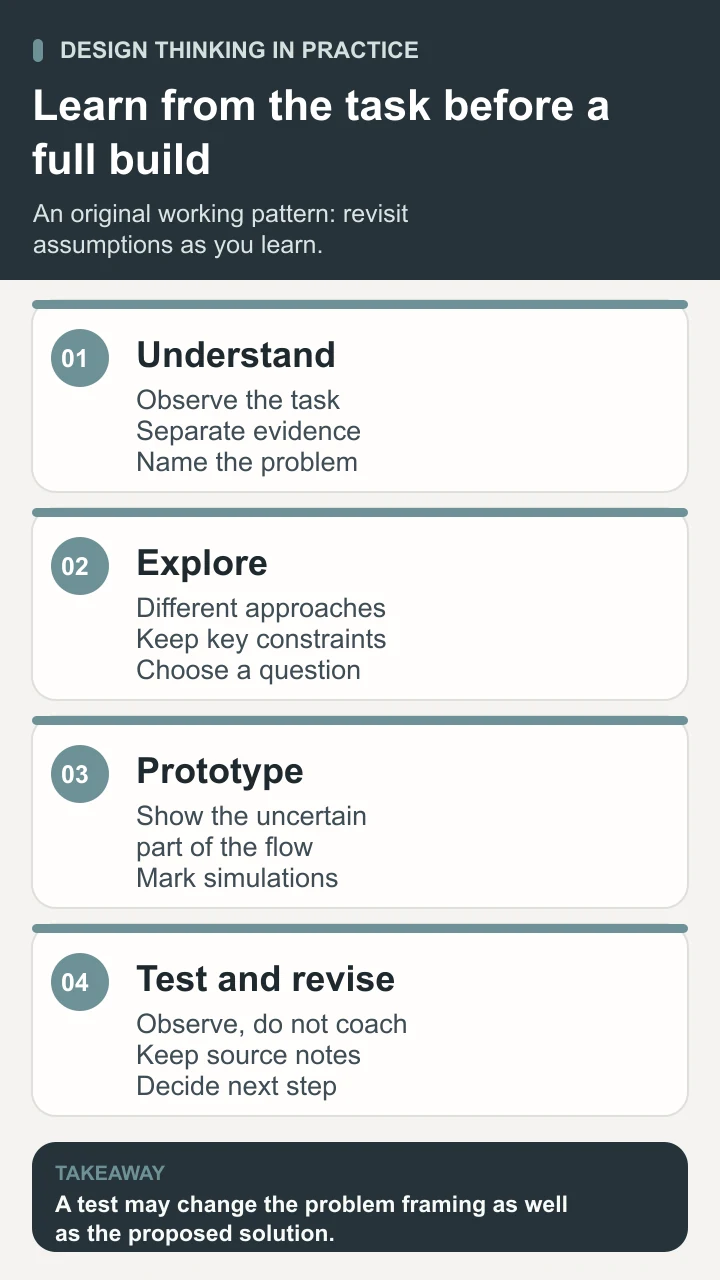
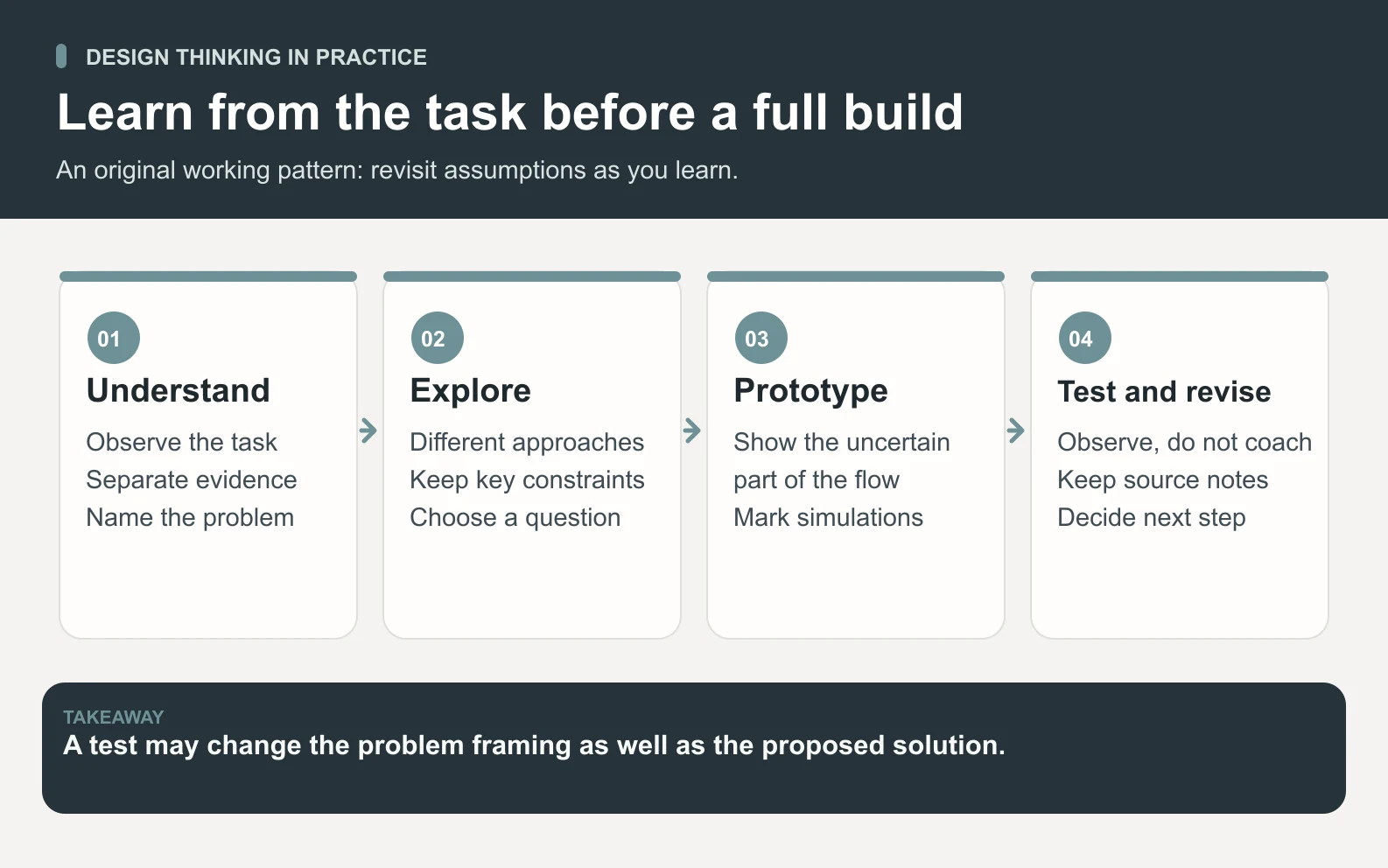
Start with a task and learn from the people doing it
Imagine a small rehearsal venue whose customers choose a room and request a time online. Staff must check the request before confirming it. The owner suspects the interface is confusing because some bands arrive believing they already have a room. Start with that situation, not a request to redesign the entire website or introduce a chatbot.
Write the task precisely: a band organizer needs to request a suitable room and understand whether the time is confirmed. Identify the people involved, including first-time organizers, returning customers, and staff who approve requests. Ask what happens before and after the screen interaction. A confusing email, a delayed staff response, or an inaccurate availability display may be part of the problem.
- 1Define the learning question. Ask where people become uncertain about the booking state and which evidence would clarify the cause.
- 2Gather appropriate source material. Use the current screens, approved service rules, anonymized support examples, and authorized observations or interviews. Record the source and date.
- 3Observe the task where practical. Notice what people read, skip, select, and expect. Keep the prompt neutral so it does not teach the answer you want to discover.
- 4Ask about recent concrete experiences. Explore what happened, what the person expected, and how they decided what to do next. Distinguish a remembered event from a prediction.
- 5Record gaps and scope. Note who was not represented, which situations were not observed, and what requires further investigation.
Use only the information needed for the task and arrange appropriate participation and permission. A summary generated from public reviews is not the same as observing your own booking flow. AI can organize approved notes and suggest questions; it cannot replace a missing interview by inventing a plausible customer quotation.
Look beyond the most vocal person without pretending a small study represents every customer. Compare relevant situations and include people whose needs may differ from the team’s assumptions. If mobile customers, assistive-technology users, or staff with a different approval process are missing, record that limitation and plan how to investigate it.
Define the problem without choosing the solution too early
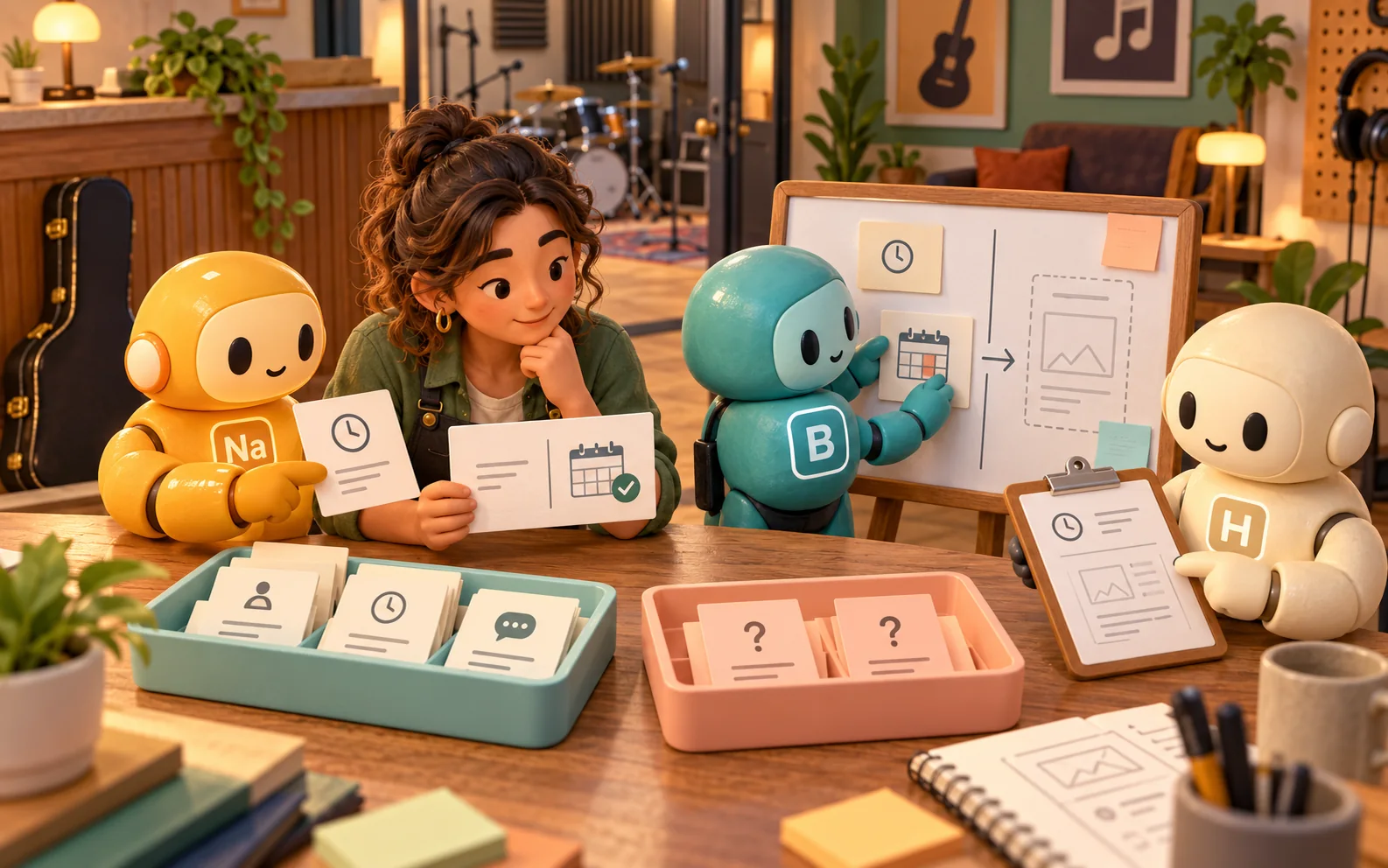
The first brief might say, “We need a brighter confirmation button.” That already assumes the cause and intervention. A more useful problem statement is: “Band organizers need to distinguish a room request from a confirmed booking because the current flow leaves the approval state unclear.” The second statement makes the person, task, and difficulty visible while leaving several responses possible.
Support the statement with evidence and mark its limits. In this fictional example, an organizer interprets the end of the form as confirmation, while a staff member explains that approval happens later. Those observations suggest a mismatch between the interface and operating process. They do not yet prove that color, button wording, response time, or calendar behavior is the main cause.
Scroll horizontally to view all columns.
| Record | Illustrative example | How to use it |
|---|---|---|
| Observation | The participant finishes the request and says the room is booked. | Locate the point where the person’s understanding diverges from the service state. |
| Interpretation | The final screen may imply completion of the whole booking. | Keep it as an explanation to test, not an established fact. |
| Open question | Would the person understand a clearly labeled pending state? | Turn it into a prototype task and observation plan. |
A useful design question could be, “How might we help organizers understand what is reserved, what is pending, and what happens next?” Check that the wording does not quietly require a particular interface. Staff procedure changes, clearer status communication, or a simpler offer may address the need better than an elaborate new feature.
Define the boundary as well. The venue is investigating status understanding, not proving that every booking problem is an interface problem. Keep capacity, price, room suitability, accessibility, and staff availability visible. Use the customer journey map guide when the question spans the wider experience, and the market research guide when the investigation needs a broader research design.
Explore alternatives and choose what to prototype
Generate genuinely different approaches before refining one screen. For the venue, an option could clarify the current request state; another could split requesting and confirmation into separate steps; a third could change the staff approval process. Three visual variations of the same untested assumption do not provide the same range of choices.
Scroll horizontally to view all columns.
| Alternative | What it could investigate | Constraint to check |
|---|---|---|
| Clear status panel | Whether people understand that a request is awaiting approval. | The wording must reflect the actual service state. |
| Separate request and confirmation steps | Whether distinct stages make the commitment understandable. | The extra step must remain usable on a phone. |
| A different availability or approval process | Whether reducing uncertainty in operations addresses the confusion. | Staff capacity, calendar accuracy, and implementation effort. |
Choose a prototype based on the question, not on how impressive it will look in a presentation. A set of paper screens can investigate whether people distinguish pending and confirmed states. It cannot establish that a calendar integration stays synchronized, payment processing works, or a production system is accessible and secure. Those require their own implementation and verification work.
Make the starting state, available actions, and resulting state clear. Prepare only enough detail for the relevant task. If the question concerns booking status, the prototype needs realistic status information and a credible next step; it probably does not need a complete account settings area or a fully designed room gallery.
Record what is simulated. A facilitator may move paper cards when someone selects a time, but that does not mean the business can confirm availability instantly. Avoid making the prototype appear to promise a service the venue has not approved. The more realistic the presentation becomes, the more carefully the team should explain which behavior is provisional.
Test for learning and capture what actually happens
Prepare a task that gives the person a reason to act without telling them which control to use. For example: “Your band needs a room next Thursday evening. Show how you would request one, and explain how you would know it is confirmed.” Keep the scenario within the participant’s relevant experience and avoid supplying the answer in the prompt.
Ask the participant to interact while the team observes. Record what they do, which state they believe they have reached, where they hesitate, and what they expect next. Ask clarifying questions after the relevant behavior when possible. A facilitator who explains every label during the task can make an unclear design appear easier than it is.
- Check understanding of the current state. Can the person distinguish a submitted request from an accepted booking without a hint?
- Check the next action. Can they explain what happens next, who confirms it, and where they would find the decision?
- Record uncertainty and failures. Preserve errors, backtracking, missing information, and cases where the prototype cannot answer the question.
- Ask what the observation changes. Identify a specific revision or a new research question instead of collecting only positive reactions.
In one fictional test, a participant sees the clock icon but still describes the slot as confirmed. The team records the mismatch and asks which information led to that interpretation. Another participant understands the pending state but cannot find when to expect a response. These are different findings: one concerns state understanding; the other concerns the next service step. A single “liked the design” rating would hide that distinction.
Revise the relevant part and test again with an appropriate plan. Keep versions, task wording, participant context, and observations together. A few prototype sessions can reveal problems, but they do not establish a population-wide completion rate or prove that a later change in bookings was caused by the design. Use the A/B testing guide when you need to investigate the effect of a production variation with a suitable experiment.
Prepare a reviewed Space Office design packet
Give Space Office the approved task brief, current screens and flow, service rules, implementation constraints, authorized research notes, and examples of unresolved questions. Describe who can verify each important fact. Use minimized source material when personal details are unnecessary, and identify what cannot be shared or assumed.
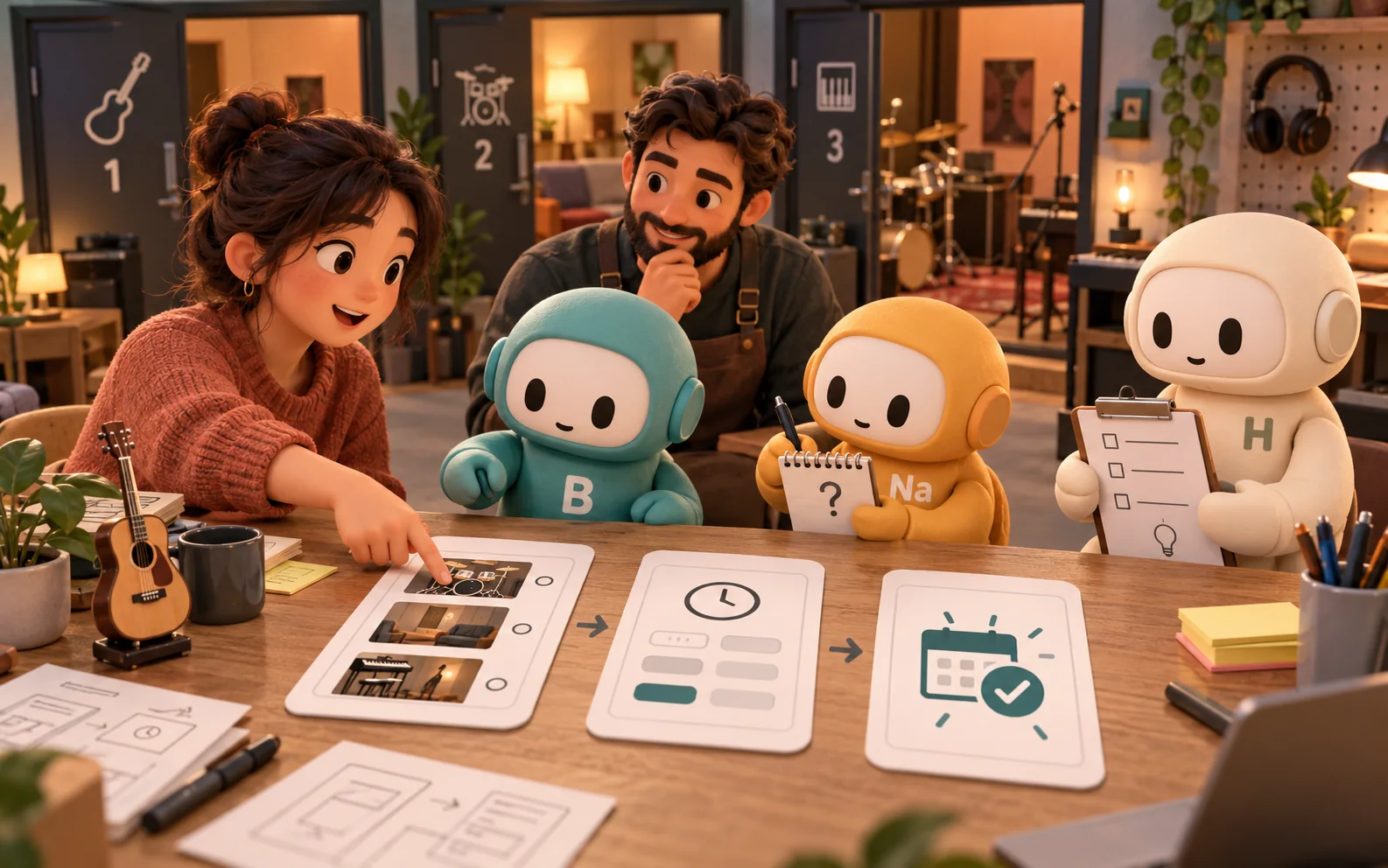
Sodium, the live market-research specialist, can organize customer research, source notes, and the questions that still need evidence. Boron, the live creative design specialist, can help frame the UI/UX problem and prepare concepts, prototypes, design specifications, and review criteria. Hydrogen coordinates and reviews whether the proposed design follows the evidence and constraints.
Ask for a packet containing the problem statement, evidence-versus-assumption log, alternative concepts, prototype scope, task script, observation template, and recommended next decision. The packet should make disagreement visible. If the evidence concerns a delayed staff response, a screen redesign should not be presented as the complete solution without checking the operating process.
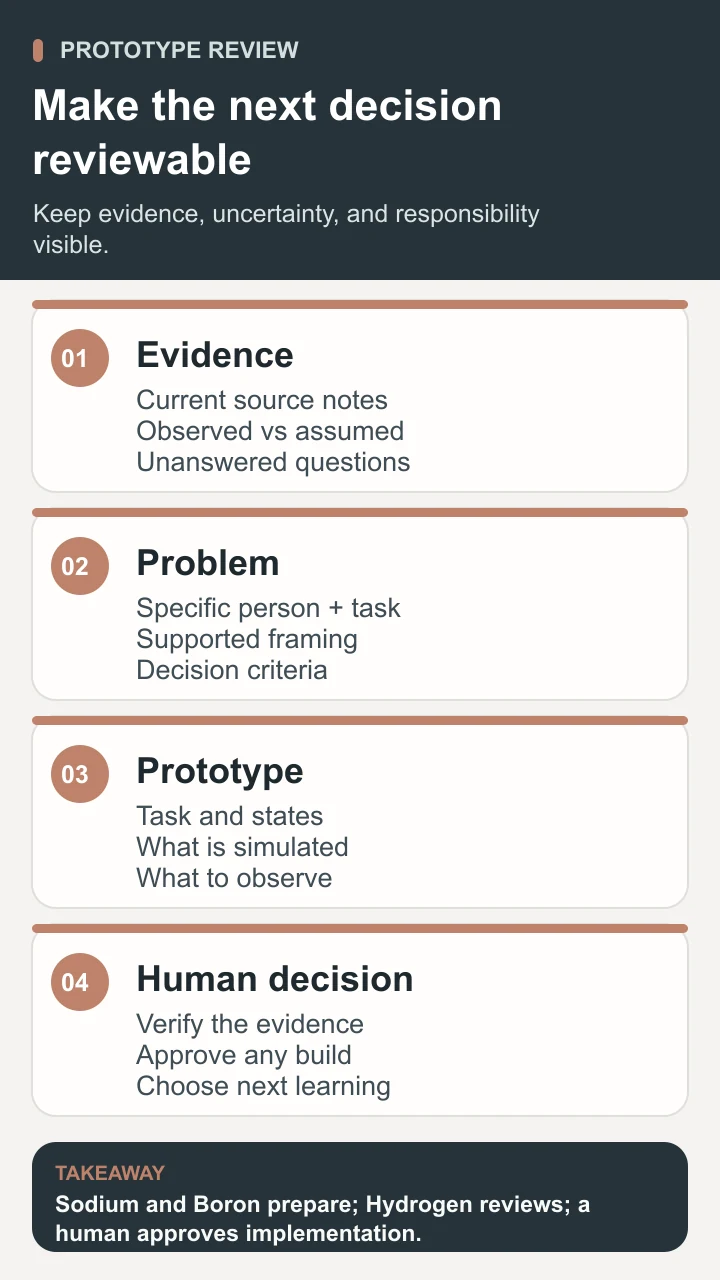
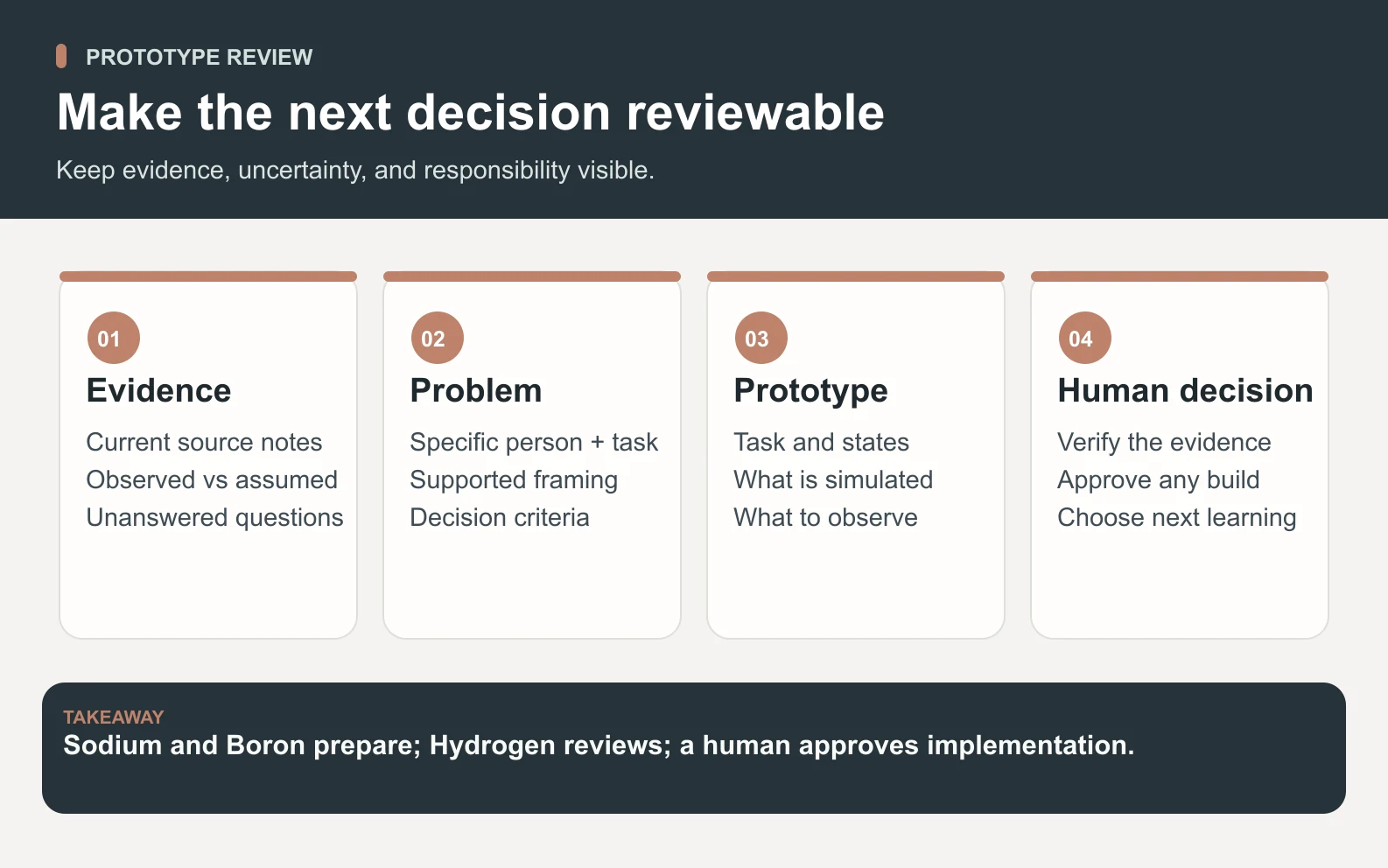
A human verifies the research and quotations, arranges appropriate access and participation, reviews the observations, and approves implementation. Research preparation does not create real participants or authorize a production change. The live agent roster and how Space Office works explain the roles; contact is the route for discussing assisted setup.
Decide what to change and what to learn next
Finish the loop with a decision that someone owns. Implement a bounded change when the evidence and practical checks support it. Revise the concept when the test reveals a specific issue. Investigate further when the person’s need or the service process remains unclear. Stop an idea when it depends on an unsupported promise or creates a problem the team cannot responsibly operate.
Transfer the accepted design with its intended behavior, source evidence, assumptions, exceptions, and acceptance criteria. Engineers and reviewers need to know what “pending” and “confirmed” actually mean, including failure and delayed-response cases. A beautiful screen without those rules can reproduce the original confusion in a more polished form.
For a static announcement or supporting visual, the graphic design guide explains how to arrange approved content, adapt the layout, and review the final export at its actual size.
Design thinking is less useful when the appropriate action is already clear and urgent. A known broken link or inaccurate room price may need a direct correction and verification. Larger operational or technical constraints may need specialist investigation alongside design work. Match the method to the uncertainty instead of turning every task into a workshop.
Useful design thinking helps a team understand a real difficulty, explore alternatives, and learn through making. Keep the user’s task, observed evidence, operational constraints, and human decision connected. The outcome is a better-supported next step, with a clear account of what still needs to be learned.
Sources and review notes
Reviewed against the linked primary sources on the checked dates. Search features and citations are selected by their respective platforms; no placement is guaranteed.
- Stanford d.school: Design Thinking Bootleg — checked
- IDEO: Introduction to Design Thinking — checked
- IBM: Enterprise Design Thinking Framework — checked
Frequently asked questions
What is design thinking?
Design thinking is an iterative approach to solving problems by understanding people, defining a useful problem, exploring alternatives, making prototypes, and testing what happens. It combines investigation and making so a team can challenge assumptions before committing to a larger solution.
What are the five stages of design thinking?
A familiar Stanford d.school framework names five modes: empathize, define, ideate, prototype, and test. They can be revisited as the team learns. Other frameworks organize the work differently; the important connection is between understanding people, exploring possibilities, making something tangible, and learning from it.
What is a simple design thinking example?
A rehearsal venue could investigate why customers confuse a submitted room request with a confirmed booking. The team observes the task, frames the problem, compares different approaches, and tests paper screens showing the actual booking states. This guide’s example is fictional and illustrates the method rather than a measured improvement.
Does a prototype prove a design will work?
A prototype helps investigate the question it was built to explore. It may reveal unclear wording or an unexpected next step, while leaving technical reliability, accessibility, security, commercial demand, or real operating capacity untested. State those limits and plan the additional checks before implementation.
How can Space Office support design thinking?
Sodium can organize approved customer research and Boron can prepare UI/UX concepts and specifications. Hydrogen coordinates and reviews the work. A human verifies the source evidence, arranges appropriate participation and access, reviews observations, and approves implementation. AI-generated notes do not substitute for research that did not happen.